By Uday Patil, Cybersecurity Analyst
When we think about cyber attacks, we often imagine highly skilled hackers typing green code on a dark screen. However, the reality is much simpler and far more common. Most cyber breaches do not happen because of complex hacking tools. They happen because of human error. Inadvertent actions such as using easy passwords remain the number one reason why individuals and small businesses lose their private data.
If you are a beginner looking to understand cybersecurity, the first step is realizing that your daily digital habits matter the most. Cyber criminals rely on our laziness and our mistakes. A simple mistake, like reusing the same password for your bank and your social media account, can open the door to massive financial loss.
In this beginner friendly guide, we will explore why simple mistakes happen, how attackers exploit them, and the exact steps you must take to secure your digital life today. We will break down everything into simple english so you can apply these security rules immediately.
The Danger of Inadvertent Actions Such As Using Easy Passwords
An inadvertent action is a mistake you make without realizing the potential danger. In the digital world, convenience is the enemy of security. People want to log into their accounts quickly, so they create passwords that are easy to remember. They use their pet names, their birth dates, or simple number sequences like one two three four five six.
Hackers know this psychological behavior perfectly well. They do not guess your password manually. They use automated software that can test millions of password combinations in a few seconds. If you engage in inadvertent actions such as using easy passwords, you are essentially leaving the front door of your house wide open for criminals.
Once attackers break into one account, they will try the same email and password combination on every other popular website. This chain reaction turns one simple mistake into a complete identity theft nightmare. For a deeper understanding of identity protection, you can read our Identity Theft Protection Guide 2026.
Types of Password Attacks You Must Know
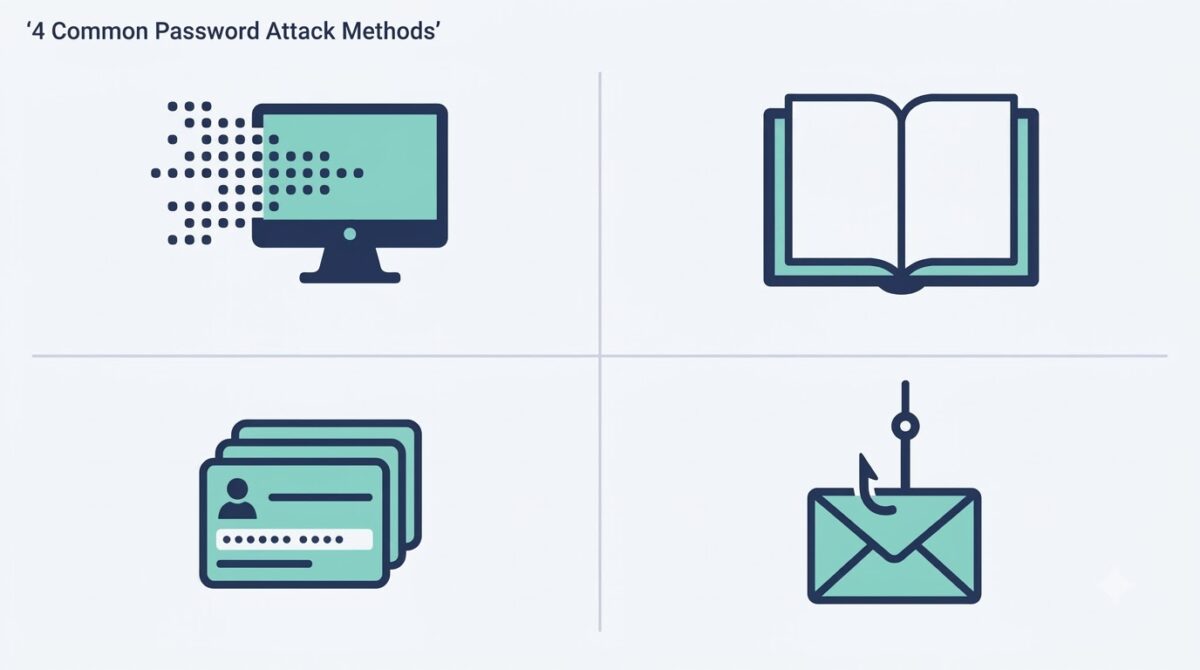
To protect yourself, you need to understand how criminals steal your information. There are several types of password attacks that hackers use daily to exploit weak credentials.
- Brute Force Attacks: The attacker uses a computer program to submit multiple passwords very quickly. The program tries every possible combination of letters and numbers until it finds the correct match.
- Dictionary Attacks: Instead of trying random letters, the program tries a huge list of common words found in the dictionary. If your password is a single common word, this attack will crack it instantly.
- Credential Stuffing: When a website gets hacked, the stolen usernames and passwords are sold online. Attackers buy this list and use software to test those exact login details across hundreds of other websites like Amazon or Netflix.
- Phishing: Attackers send you a fake email that looks like it came from your bank or an IT department. The email asks you to click a link and log in. When you type your password on their fake website, they steal it.
The 3 Pillars of Password Strength
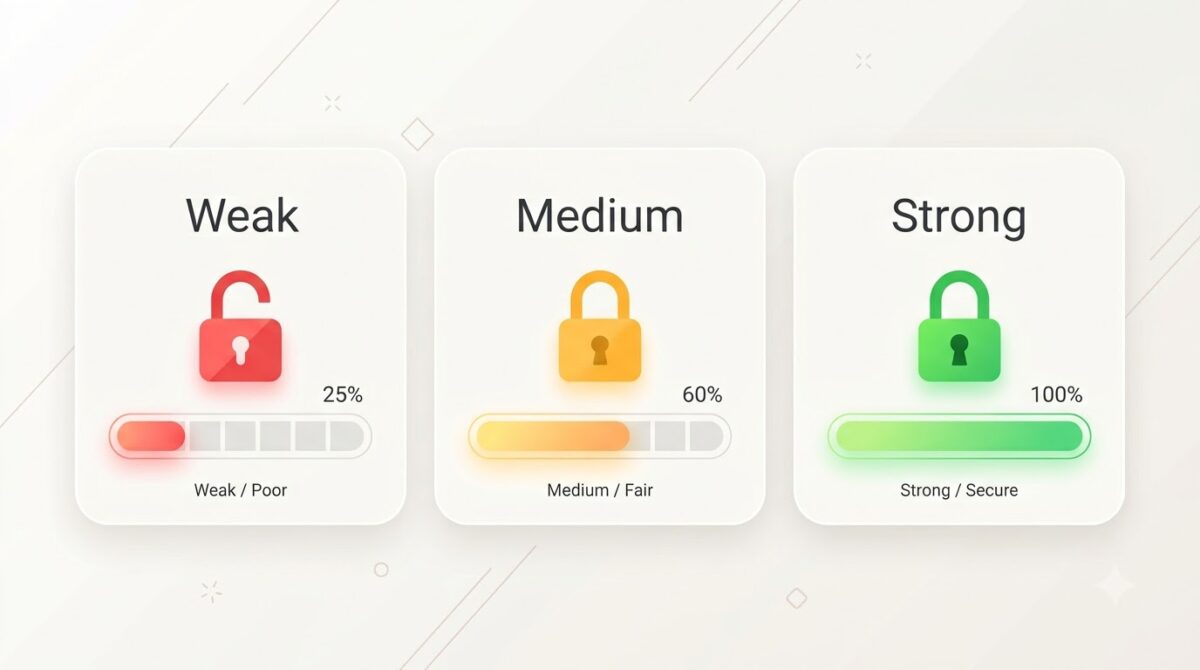
Creating a strong defense requires a new approach to how you create login credentials. You do not need a complex mathematical formula. You just need to follow the 3 pillars of password strength.
- Pillar One is Length: The longer your password is, the harder it is for a computer program to crack it. Length beats complexity every single time. A password with fifteen characters is much stronger than a short password packed with special symbols.
- Pillar Two is Complexity: You should mix uppercase letters, lowercase letters, numbers, and symbols. This forces hacking software to work much harder to guess the correct combination.
- Pillar Three is Unpredictability: Do not use personal information. Avoid using your name, your favorite sports team, or common phrases. Your password should look completely random to anyone else.
For a complete breakdown of advanced password policies and vault setups, make sure to read our comprehensive Password Security Guide.
Which of the Following is the Strongest Password?
Let us test your knowledge. Look at the examples below and try to identify which of the following is the strongest password. This exercise will help you understand the difference between a weak choice and a secure choice.
Option A: password123
Option B: Football2026
Option C: Tr33!Bl@ckB1rd
Option A is terrible because it is common. Option B is bad because it uses a dictionary word and a predictable year. Option C is the correct answer. It is a mix of different character types, it is long, and it does not make logical sense to an outside observer.
8 Character Strong Password Examples
While security experts highly recommend using passwords that are at least twelve characters long, many old systems still require exactly eight characters. If you must use a short password, you have to maximize its complexity.
Here are some 8 character strong password examples that mix letters, numbers, and symbols effectively. Remember to never use these exact examples for your own accounts, as they are now public.
- xK9!mP2q
- 7b$Vn4cZ
- Wq#8yL5t
To avoid the stress of remembering complex codes, you should always use a dedicated password manager tool. You can find excellent recommendations in our Cyber Security Tools For Beginners Guide.
The Hidden Dangers of Malware Infections
Weak passwords are just one part of the problem. Sometimes, inadvertent actions involve clicking the wrong link or downloading a suspicious file. This introduces malware to your system. But what exactly happens when a virus secretly infects your personal computer?
Malicious software is written specifically to harm your device or steal your data. Once it enters your computer, it can perform several devastating actions silently in the background.
- Data Theft: The code can search your hard drive for tax documents, saved passwords, and private photos, then send them to a remote server controlled by the hacker.
- System Destruction: Some viruses are designed to delete critical operating system files, making your computer completely useless until you format the hard drive.
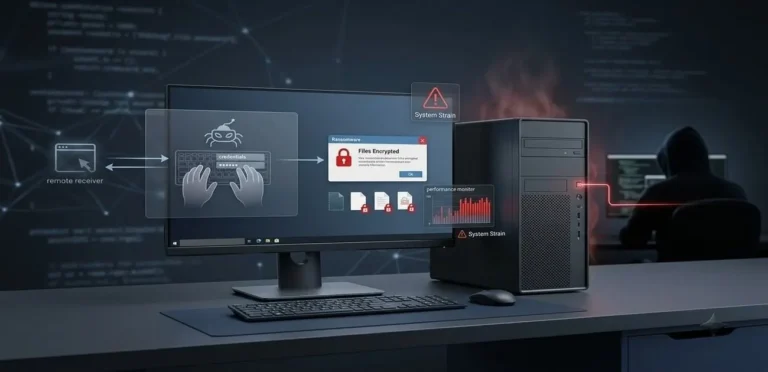
- Ransomware Encryption: The malware will lock all your personal files and demand that you pay money to get the decryption key. If you refuse, you lose your family photos and important documents forever.
- Botnet Recruitment: The virus can take control of your computer processing power and use it to attack other websites without your knowledge.
Cyber Awareness How Can You Protect Your Home Computer
Securing your home network is much easier than most people think. You do not need to be an IT professional to stay safe. If you want to master cyber awareness how can you protect your home computer, you just need to build a few solid habits.
First, always keep your operating system and your web browser fully updated. Software updates contain critical security patches that fix known vulnerabilities. If you ignore these updates, hackers can exploit those old weaknesses easily.
Second, install a reputable antivirus program and let it run automatically. This acts as a digital security guard that scans every file you download. Proper cyber awareness training teaches us that proactive scanning is the best defense against unknown threats.
Third, secure your home wireless router. Change the default admin password that came with the device. Many people skip this step, allowing neighbors or attackers to log into their router easily. For more details on wireless safety, review our Public Wifi Security Guide.
To build a comprehensive security foundation for your family or organization, explore our central 2026 Small Business & Consumer Cyber Security Defense Vault.
Understanding the Security Code Example
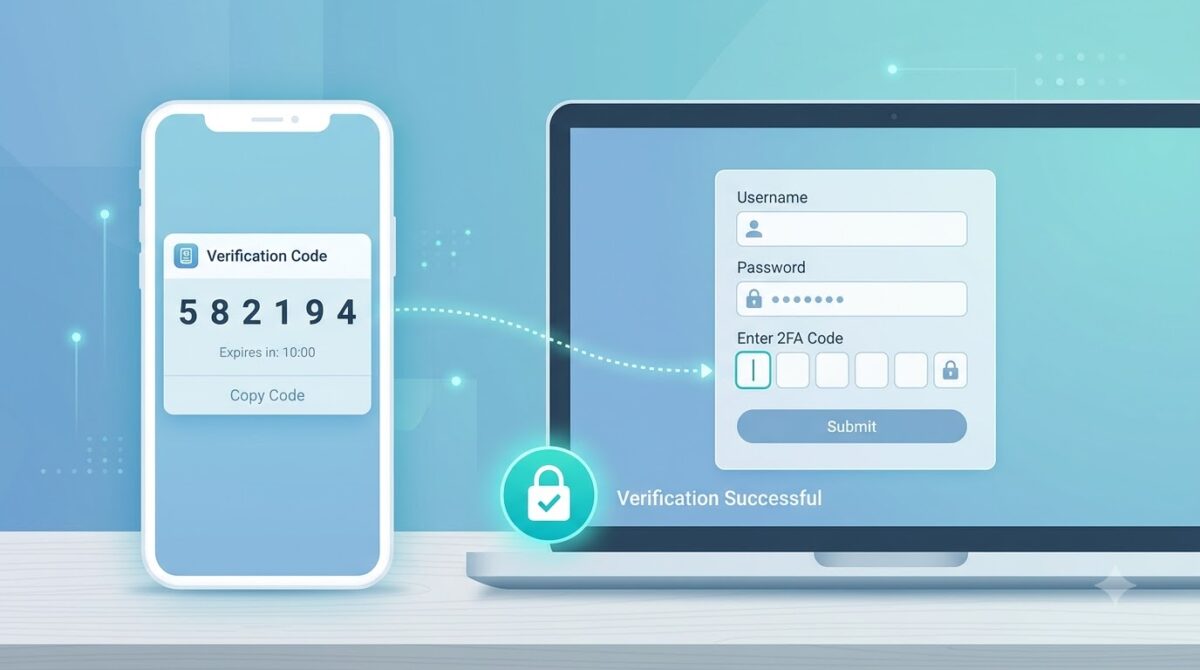
Even if you create a perfect password, someone might still steal it through a data breach on a company server. This is why you must use Two Factor Authentication. This system requires you to provide a second piece of proof before you can log in.
A common security code example is the six digit number sent to your mobile phone via text message when you try to access your bank account. Even if a hacker in another country knows your password, they cannot log into your account because they do not have your physical mobile phone to read the security code example.
For the best protection, experts recommend using an authenticator application instead of text messages, as text messages can be intercepted by advanced criminals.
Frequently Asked Questions
What is the most common inadvertent action in cybersecurity?
The most common mistake is password reuse. When people use the same simple password for their email, social media, and banking applications, they allow a single security breach to compromise their entire digital life.
How often should I change my strong passwords?
Modern security guidelines suggest that you do not need to change a strong, unique password frequently unless you suspect it has been compromised in a public data breach. Changing passwords too often usually leads people to create weaker, predictable variations.
What does a computer virus actually look like?
To an everyday user, a virus does not look like anything out of the ordinary. It usually hides inside legitimate looking files, such as a PDF document attached to an email or a free software installer downloaded from an untrusted website.
Is an 8 character password secure enough for banking?
No. While eight characters used to be the standard, modern computers can crack an eight character password very quickly. For sensitive financial accounts, you should always use a password that is at least twelve to fifteen characters long and enable Two Factor Authentication.
Final Verdict on Cybersecurity for Beginners
Cybersecurity does not have to be intimidating or highly technical. By eliminating inadvertent actions such as using easy passwords, you drastically reduce your chances of becoming a victim. Taking just a few minutes to understand the types of password attacks and applying the 3 pillars of password strength will place you far ahead of the average internet user.
Remember that security is a daily practice. Keep your systems updated, remain suspicious of unexpected email links, and always use unique credentials for your most important accounts. Your digital safety is entirely in your own hands.
Reported by CyberUpdates365 Security Desk. Follow our guides to stay informed on the latest defensive strategies and consumer protection tips. (Updated September 2026)