A comprehensive guide to understanding free network dangers and how to secure your digital footprint while traveling in 2026
IMPORTANT NOTICE
This educational guide provides cybersecurity best practices and threat analysis based on 2026 network security trends. For the most current travel safety information, always refer to your corporate IT guidelines or the official CISA Cybersecurity Best Practices.
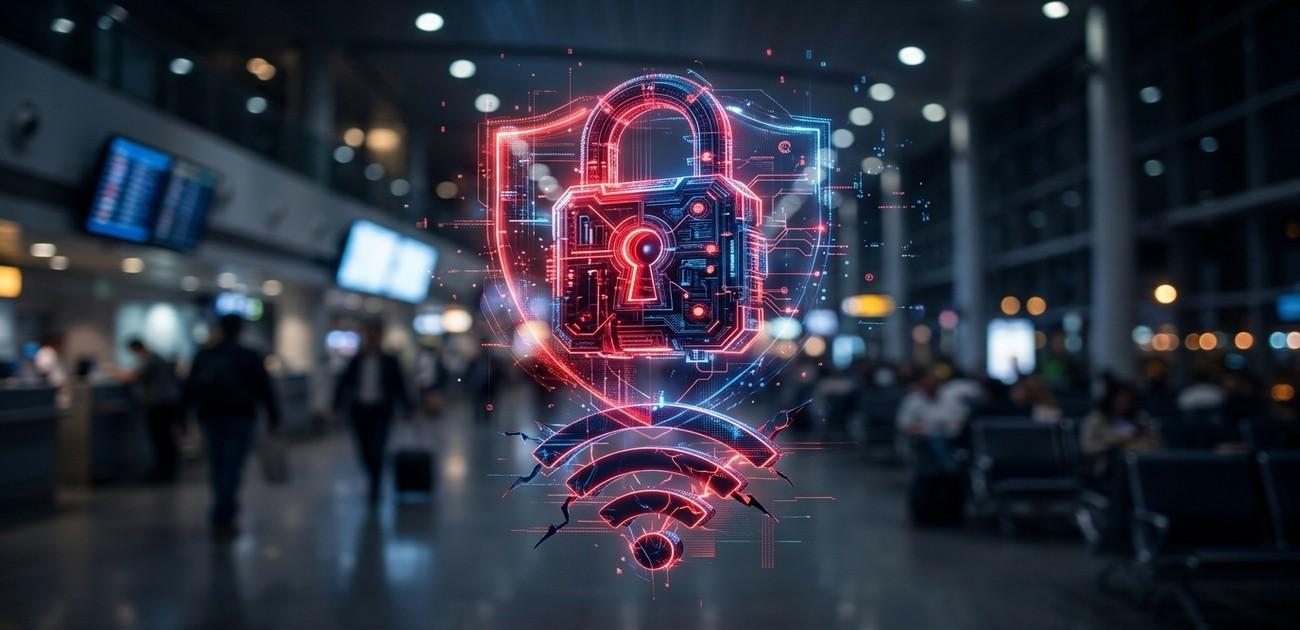
As of June 2026, remote work and digital nomadism have reached an all-time high. Unfortunately, this means reliance on free, open networks at airports, hotels, and local coffee shops has skyrocketed. Maintaining proper Public WiFi Security is no longer just an option—it is absolutely essential. Cybercriminals know travelers are vulnerable and are actively deploying advanced techniques to intercept sensitive personal and corporate data.
Connecting to an open network might seem like a harmless convenience, but without strict public WiFi security protocols, every password typed, every bank balance checked, and every private email sent can be captured in plain text by malicious actors sitting just a few tables away.
KEY FACTS AT A GLANCE
THE THREAT LANDSCAPE:
- The Threat: Hackers intercepting unencrypted data over free public networks.
- Target Audience: Business travelers, tourists, and remote workers.
- Primary Attack Vectors: Man-in-the-Middle (MitM) attacks, “Evil Twin” fake hotspots, and packet sniffing.
- What Gets Stolen: Banking credentials, corporate emails, and social media session cookies.
TABLE OF CONTENTS
- The Silent Thief: Man-in-the-Middle Attacks
- The “Evil Twin” Hotspot Trap
- Expert Public WiFi Security Defenses
- Related Articles
THE SILENT THIEF: MAN-IN-THE-MIDDLE ATTACKS

The most common method hackers use to bypass public WiFi security is the Man-in-the-Middle (MitM) attack. In this scenario, a hacker intercepts the standard connection between your device and the Wi-Fi router. Instead of your data going directly to the internet, it flows through the hacker’s computer first.
To the victim, everything looks normal. The website loads fine, but the hacker is silently recording every keystroke, capturing login credentials and credit card numbers before forwarding the data to its actual destination.
THE “EVIL TWIN” HOTSPOT TRAP
Why hack an existing network when you can make your own? This is the philosophy behind the “Evil Twin” attack. A cybercriminal will set up a portable Wi-Fi hotspot and give it a legitimate-sounding name, such as “Starbucks_Free_WiFi” or “Airport_Guest_Network”.
When you sit down and search for an internet connection, your phone or laptop might automatically connect to the hacker’s stronger, fake signal instead of the real coffee shop network. Because the hacker controls this fake network entirely, they have full access to view, manipulate, and steal any unencrypted data you transmit.
EXPERT PUBLIC WIFI SECURITY DEFENSES
“The golden rule of modern travel in 2026 is simple: If you don’t control the router, assume the network is hostile. Never perform financial transactions on an open connection without an encrypted tunnel.”
– Cybersecurity Network Analysts
Protecting your data and maintaining strong public WiFi security requires simple but consistent habits:
1. Use a Reputable VPN (Virtual Private Network)
A VPN is your ultimate digital armor on a public network. It creates a heavily encrypted “tunnel” for your data. Even if a hacker intercepts your connection via an Evil Twin or MitM attack, they will only see scrambled, unreadable code instead of your passwords.
2. Disable “Auto-Connect”
Ensure your smartphone and laptop are set to “Ask to Join Networks”. If “Auto-Connect” is left on, your device might silently connect to a malicious Evil Twin network in your pocket while you are just walking through an airport.
3. Look for HTTPS
Ensure the websites you visit use “HTTPS” (look for the padlock icon in your browser’s URL bar). This ensures the connection between your browser and the specific website is encrypted, adding an extra layer of difficulty for packet sniffers.
RELATED ARTICLES
- AI Voice Cloning Scams: The Ultimate 2026 Guide to Protecting Your Family
- Password Security Guide: Bulletproofing Your Accounts
- How to Protect Your Social Media Accounts from Hackers
CONCLUSION
Free internet access is a necessity for the modern traveler, but it comes with severe hidden costs. By understanding how hackers manipulate open networks and taking proactive steps like using a VPN and disabling auto-connect, you can take control of your public WiFi security and enjoy convenience without compromising your personal or corporate data in 2026.
Stay Protected On The Go
Don’t let your next vacation or business trip result in a stolen identity. Share this vital security guide with your friends, family, and colleagues who travel frequently.
Published in June 2026 by CyberUpdates365 Team