
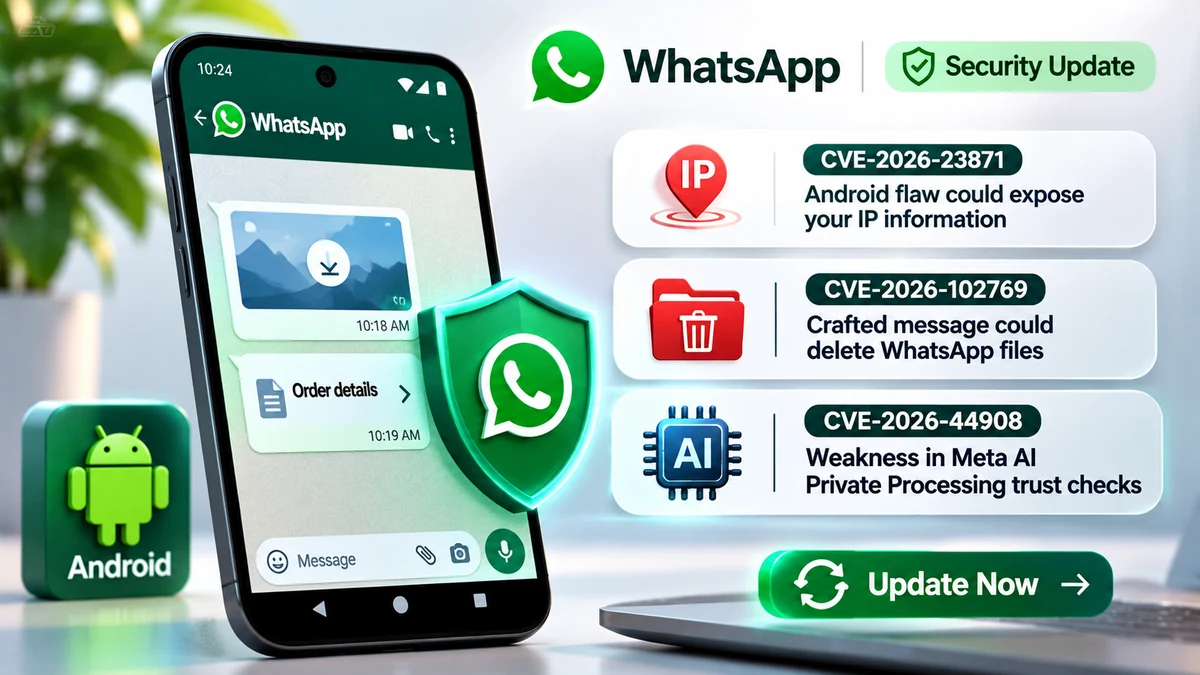
WhatsApp has disclosed fixes for three security vulnerabilities affecting its messaging apps, including two Android flaws that could expose a user’s IP information or delete files stored locally by WhatsApp. A third issue involved the certificate checks used to verify the trusted hardware behind Meta AI’s Private Processing service.
The most notable finding concerns CVE-2026-23871, an Android vulnerability that WhatsApp says may have been abused alongside specific spam messages. The company’s security team discovered the problem while disrupting a scam campaign, according to comments provided to SecurityWeek.
All three vulnerabilities appear in WhatsApp’s November 2026 security advisory, which identifies the affected products and version boundaries. However, the company does not report the same exploitation evidence for each flaw.
For users, the immediate action is to update WhatsApp or WhatsApp Business through the official app store. The disclosures do not establish that attackers accessed complete conversations, deleted arbitrary files across Android devices or bypassed WhatsApp’s end-to-end encryption.
Which WhatsApp Versions Were Affected?
The three vulnerabilities have different technical causes, affected products and exploitation conditions.
The following table uses the version boundaries published in WhatsApp’s official November 2026 security advisory. Versions listed below the corresponding threshold are affected by that specific issue.
| CVE | Affected products and versions | Potential impact |
|---|---|---|
| CVE-2026-23871 | WhatsApp for Android before 2.26.17.4 WhatsApp Business for Android before 2.26.17.4 | Exposure of device IP information through a crafted Click to WhatsApp ad-reply message. |
| CVE-2026-102769 | WhatsApp for Android before 2.26.35.74 | Possible deletion of locally stored WhatsApp files and a narrowly scoped one-bit information leak under specified conditions. |
| CVE-2026-44908 | WhatsApp for Android before 2.26.23.74 WhatsApp Business for Android before 2.26.23.70 WhatsApp for iOS before 2.26.24.72 WhatsApp Business for iOS before 2.26.23.72 WhatsApp for Mac Desktop before 2.26.23.72 | Weakness in the certificate-trust verification used by Meta AI Private Processing. |
These thresholds are specific to each product and vulnerability. They should not be interpreted as a single universal minimum version for every WhatsApp platform.
CVE-2026-23871: How an Android Ad-Reply Message Could Reveal an IP Address
CVE-2026-23871 involved incomplete validation of external media URLs used in replies associated with Click to WhatsApp advertisements.
Click to WhatsApp ads allow someone browsing an advertisement to start a conversation with the advertised business. WhatsApp’s advisory describes a flaw in how its Android applications handled specially crafted replies within that messaging flow.
An attacker could include media hosted at an attacker-controlled URL in a crafted ad-reply message.
When the affected WhatsApp client rendered and displayed that message in a conversation, it could request media from the external location. That request could reveal the device’s IP information to the attacker controlling the destination.
The advisory describes the message being rendered and displayed as the relevant condition. It does not specify that the recipient needed to tap the media for this particular IP-exposure scenario.
An IP address may reveal information about a device’s network connection and approximate geographic area. It is not the same as a precise GPS location, and IP exposure alone does not establish access to private chat contents.
Why WhatsApp Linked This Flaw to a Scam Campaign
WhatsApp’s security team discovered the issue internally.
The company said the vulnerability may have been abused alongside certain spam messages.
In comments reported by SecurityWeek on November 20, 2026, a WhatsApp spokesperson said the team had encountered the issue while disrupting a scam campaign and believed a scammer was using it to make fraudulent messages appear more credible.
The available reporting does not identify the number of targeted accounts or confirm how many users, if any, had their IP information successfully collected through that activity.
This should therefore be described as possible scam-related exploitation, not a proven widespread account compromise.
CVE-2026-102769: Could a WhatsApp Message Delete Files?
The second Android vulnerability, CVE-2026-102769, was a SQL injection flaw reported by an external researcher through Meta’s bug bounty program.
SQL injection occurs when an application handles untrusted input in a way that changes the database commands being processed.
In this case, WhatsApp said the issue involved a specially crafted order-details message sent from an unofficial client.
If the recipient tapped that message in an affected version of WhatsApp for Android, the flaw could allow deletion of files stored locally by WhatsApp.
The documented scope is important. WhatsApp’s advisory refers to locally stored WhatsApp files, not arbitrary files elsewhere on the phone.
The disclosure does not establish that attackers could erase an entire device, delete every photo in Android storage or remotely wipe all applications.
What Was the One-Bit Information Leak?
The same vulnerability also involved a limited side channel.
WhatsApp said that, if the recipient was online when the malicious message arrived, an attacker could potentially obtain one bit of information about the recipient’s chat database through differences in an induced-crash delivery-receipt timing mechanism.
In practical terms, this describes the possible disclosure of a narrowly defined yes-or-no result, not direct access to a conversation or unrestricted reading of the chat database.
The published advisory does not identify the exact database questions an attacker could reliably resolve in real-world conditions.
WhatsApp explicitly stated that it had not observed exploitation of CVE-2026-102769 in the wild.
CVE-2026-44908: A Separate Meta AI Private Processing Trust Flaw
The third vulnerability affected the mechanism WhatsApp uses to establish trust in the server infrastructure supporting Meta AI’s Private Processing service.
Private Processing is designed to support optional AI functions, such as processing user-requested message summaries, within a confidential computing environment.
Meta’s technical explanation of Private Processing describes how the application checks server identity and trusted hardware before sending protected requests.
CVE-2026-44908 concerned incomplete verification of a certificate’s chain of trust during that process.
According to WhatsApp, someone positioned inside Meta’s infrastructure could potentially have used a Versioned Chip Endorsement Key (VCEK) certificate signed by a key other than the hardware manufacturer’s key to bypass the intended hardware trust check.
This is a substantially different scenario from the Android messaging flaws.
It does not describe an ordinary remote WhatsApp user being able to send a message and directly gain access to Meta’s AI infrastructure.
WhatsApp also identified a separate protection: any certificate used in the relevant scenario would first need to appear in the third-party binary transparency ledger supporting Private Processing.
The company said its ledger showed that every published VCEK certificate chained to the expected hardware root of trust. WhatsApp cited that evidence as confirmation that this flaw had not been exploited.
This conclusion is specific to the certificate-verification vulnerability and the transparency evidence the company described. It should not be extended to every possible security issue involving Meta AI.
Were All Three WhatsApp Vulnerabilities Exploited?
No. WhatsApp’s November disclosure gives different assessments for the three issues.
- CVE-2026-23871: The company reported possible abuse in connection with spam messages, and its spokesperson described suspected scam-related use.
- CVE-2026-102769: WhatsApp reported no observed exploitation in the wild.
- CVE-2026-44908: WhatsApp said its certificate transparency evidence confirmed the flaw had not been exploited.
These distinctions matter because a theoretically exploitable security issue, suspected malicious use and an independently documented successful intrusion are not interchangeable findings.
There is also no evidence in these advisories that the three vulnerabilities formed a single attack chain.
How to Check and Update WhatsApp on Android
WhatsApp recommends keeping its applications current because app store release notes do not necessarily list every individual security fix.
For Android users, the safest approach is to install the latest official release rather than searching for individual security patch files.
Step 1: Check Your Installed WhatsApp Version
- Open WhatsApp on your Android phone.
- Open the app’s Settings menu.
- Select Help, then App info, if that option is available on your installation.
- Review the displayed version number against the relevant product and CVE thresholds in the table above.
The exact menu labels may vary with app versions and device interfaces. Android’s system application information screen may also show the installed version.
Step 2: Install the Latest Official Update
- Open the Google Play Store.
- Search for the official WhatsApp Messenger application.
- Select Update if an update is available.
- After installation, check the application version again if you need to confirm the relevant security threshold.
WhatsApp’s official Android update instructions recommend keeping the application current and preserving chat history through appropriate backup settings before updating.
If you use WhatsApp Business, update that application separately. The WhatsApp Business update guide provides the supported app-store process.
Users should avoid unofficial APK files advertised as emergency security fixes. WhatsApp warns that modified third-party applications can put privacy and security at risk.
What If WhatsApp Files Are Already Missing?
Updating the app addresses the documented software flaws, but it is not evidence that previously deleted local data has been restored.
If files or chat attachments are missing, first determine whether the material is unavailable only inside WhatsApp or also absent from its original storage location.
Review the application’s supported backup and restore options before uninstalling it, clearing application data or attempting recovery.
Do not assume that a missing file proves exploitation of CVE-2026-102769. Files may become unavailable for reasons unrelated to this vulnerability, and WhatsApp has not reported observed exploitation of this CVE.
Why These Fixes Matter Beyond WhatsApp
The three disclosures involve separate trust boundaries: external media URLs, database input handling and verification of confidential computing hardware.
The Android IP-information flaw illustrates why a message can create a privacy risk even without exposing the message’s encrypted content.
The file-deletion flaw shows why user interaction and application-specific data access matter when evaluating the actual impact of a vulnerability.
The Private Processing issue demonstrates why confidential computing requires careful verification of the server and hardware identity, not merely encryption of data in transit.
For broader mobile protection practices, CyberUpdates365’s Device Security Audit 2026 guide covers application updates, device security checks and other mobile risk-reduction steps.
For WhatsApp users, the main action remains straightforward: install the latest official version, check WhatsApp Business separately if used, and treat unexpected business messages or links cautiously.
Official Sources and Further Reading
- WhatsApp Security Advisories 2026 — November Update
- SecurityWeek — WhatsApp’s Comments on the Scam-Related Flaw, November 20, 2026
- Meta Engineering — Building Private Processing for AI Tools on WhatsApp
- WhatsApp Help Center — How to Manually Update WhatsApp
- WhatsApp Help Center — How to Update WhatsApp Business