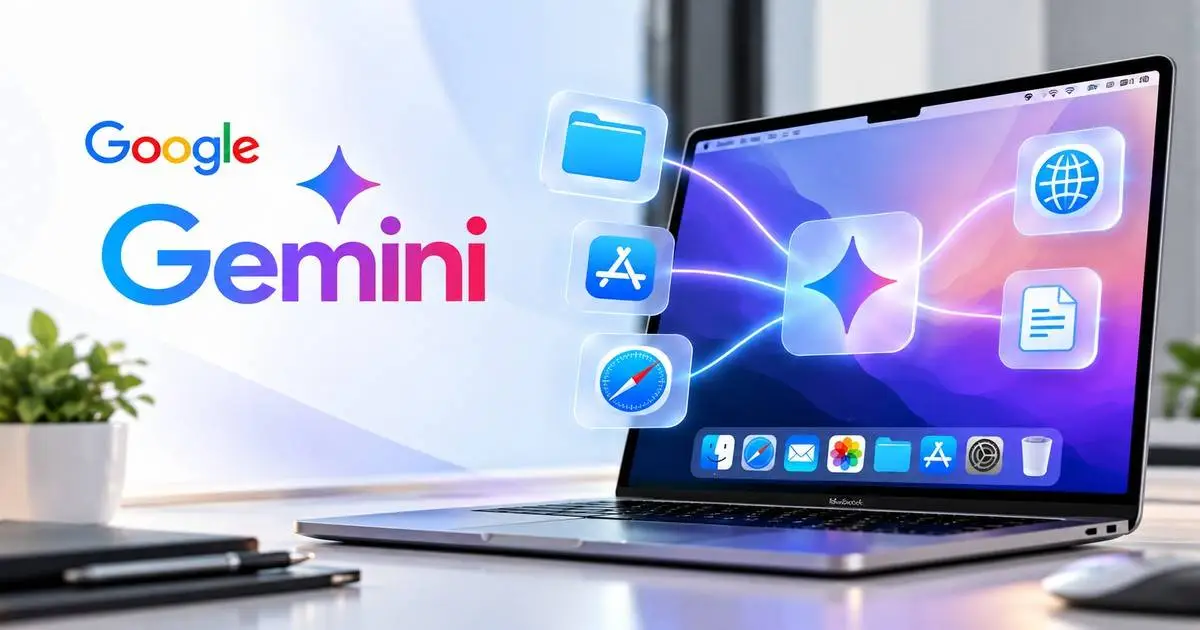
Google Gemini Mac access is expanding as Gemini Spark becomes more capable of working with local files, connected apps, and web-based workflows on macOS.
Google has officially documented that Gemini Spark can interact with user-approved folders on a Mac, edit files, perform multi-step tasks, work with connected apps, and continue certain workflows across the desktop.
Google also warns that broader AI-agent access comes with real security and privacy considerations because Spark can modify files and, with permission, share or delete them.
For broader coverage of autonomous AI systems, agentic workflows, and emerging AI security risks, see our AI-era threats and agentic security guide.
Key takeaway: Gemini Spark is moving beyond a traditional chatbot and toward a desktop AI agent that can take real actions on a Mac. That can improve productivity, but it also makes file permissions, connected apps, and user confirmation much more important.
What Is Google Gemini Spark on Mac?
Gemini Spark is Google’s agentic AI feature designed to perform multi-step tasks instead of only answering questions.
Google says the macOS version of Gemini Spark can operate on a user’s local machine and work with local files, connected services, and other tools as part of a larger workflow.
For example, users can ask Gemini to locate a file, extract information from it, update content, or use that information in another connected application.
What Can Gemini Spark Already Do on macOS?
Google’s official documentation confirms that Gemini Spark can already perform a range of actions on Mac when the user grants the required permissions.
Current capabilities include:
- Working with connected Mac folders
- Reading and analyzing files
- Editing files
- Renaming and organizing files
- Using connected applications
- Performing multi-step workflows
- Continuing certain tasks remotely
Google also says users can ask Spark to work with common folders such as Downloads, Desktop, Documents, and Photos after granting access.
How Much File Access Can Gemini Spark Receive?
Gemini Spark does not automatically receive unrestricted access to an entire Mac.
Under Google’s documented permission model, users choose which folders are connected and approve the required macOS permissions.
Once access is granted, Spark can view and edit files inside those approved locations.
This gives users some control over the scope of the agent’s access, but it also means granting broad folder permissions can expose a large amount of personal or business data to automated workflows.
Gemini Spark Can Edit, Share and Delete Files
One of the most important security considerations is that Gemini Spark can make real changes to files.
Google’s support documentation states that Spark can access, edit, share, and delete files when the user has granted the necessary permissions.
Higher-impact actions are designed to require confirmation, but users should still understand that AI-agent tasks can modify data rather than simply analyze it.
Security note: Users should avoid connecting folders containing highly sensitive or irreplaceable files unless that access is genuinely required for the task.
Can Gemini Work Across Apps and Services?
Yes. Gemini Spark is designed to combine information and actions across multiple services.
Google has added integrations with connected applications and services, allowing Spark to complete more complex workflows.
For example, a user could ask Spark to locate information in a local file and then use that information in another supported application.
This is a major shift from traditional AI chat because the assistant is no longer limited to producing text responses.
Remote Tasks Expand Gemini’s Desktop Role
Google also supports workflows where users can initiate a Spark task from another device and have it continue work on the Mac.
Google has demonstrated examples where a user asks Gemini to find a report stored on the Mac, extract information from it, and email the result while the user is away from the computer.
This capability makes account security and device authorization especially important because remote access can extend the reach of the AI agent beyond the user’s immediate desktop session.
Why Broader Mac Access Raises Security Questions
Giving an AI agent access to more files, apps, and services creates a larger security boundary.
The more actions an AI system can perform, the greater the potential impact of a mistake, misunderstood instruction, compromised account, or malicious input.
Key risks include:
- Accidental file modification
- Unintended file deletion
- Sharing files with the wrong recipient
- Exposure of sensitive local data
- Overly broad permissions
- Prompt-injection attacks from untrusted content
- Actions taken with insufficient user context
These risks do not mean desktop AI agents are inherently unsafe, but they make strong permission controls and user confirmation essential.
For additional coverage of security controls around autonomous AI systems, see our AI agent security and enforcement coverage.
Prompt Injection Is a Key Risk for Desktop AI Agents
Prompt injection becomes more important when an AI system can take real actions.
An attacker-controlled document, web page, email, or other content could potentially contain instructions designed to influence how an AI agent behaves.
If the agent has access to local files or connected services, malicious instructions could have more serious consequences than they would in a standard chatbot session.
This is why agentic systems need strong controls around:
- Trusted and untrusted content
- Permission boundaries
- Confirmation before sensitive actions
- Audit logging
- Connected apps
- Data sharing
Google Warns Users About Sensitive Data
Google’s own documentation warns users that Gemini Spark can make mistakes and that users should be cautious with sensitive information.
Google recommends carefully reviewing which folders and services are connected to Spark.
Users should also avoid granting access to data they are not comfortable allowing an AI system to read or modify.
What Happens With Connected Cloud Services?
Gemini Spark can also work with connected services and cloud-based applications.
This allows the agent to combine local Mac files with cloud workflows, but it can also increase the amount of data moving between systems.
Google’s privacy documentation notes that Spark may share information with other services and third parties when that information is required to complete a task.
This can include personal or potentially sensitive information depending on the workflow.
Could Gemini Share Sensitive Information?
Potentially, yes, depending on the user’s instructions and connected services.
If a task involves emailing, uploading, sharing, or transferring a file, Spark may need to provide that information to another service.
Users should therefore verify:
- Which applications are connected
- Who can access shared files
- Whether the data is sensitive
- Whether the requested action is actually necessary
Does Gemini Ask Before Sensitive Actions?
Google says Gemini Spark is designed to request confirmation before certain high-impact actions.
Examples can include actions such as:
- Sending or sharing files
- Deleting files
- Sending messages or emails
- Spending money
- Other sensitive actions
Confirmation is an important safeguard, but users should still review agent permissions regularly rather than relying only on individual confirmation prompts.
Why macOS Permissions Matter
macOS permissions play an important role in limiting what Gemini Spark can access.
Users should avoid approving broad access automatically.
A better approach is to grant access only to the folders and applications that are necessary for a specific workflow.
This principle reduces the amount of data available to the agent if something goes wrong.
What Mac Users Should Do
Users who enable Gemini Spark or another desktop AI agent should treat permission management as part of their normal security routine.
Recommended practices include:
- Connect only the folders Spark actually needs.
- Avoid granting access to highly sensitive files.
- Review macOS permissions regularly.
- Check connected applications and cloud services.
- Use strong Google account security.
- Enable multi-factor authentication.
- Maintain backups of important files.
- Review file-sharing actions carefully.
- Be cautious when agents process untrusted web content or documents.
What Organizations Should Consider
Businesses allowing desktop AI agents should also consider enterprise controls.
Important areas include:
- Least-privilege access
- Data classification
- Identity and access management
- Logging and monitoring
- Endpoint security
- Approved application lists
- AI usage policies
- Employee training
Organizations should understand what data an agent can access before deploying agentic workflows widely.
Frequently Asked Questions
Can Google Gemini access files on a Mac?
Yes. Gemini Spark can access files and folders that users connect and authorize through the macOS application.
Can Gemini Spark edit files?
Yes. Google says Spark can edit, organize, rename, and otherwise work with files in connected folders.
Can Gemini Spark delete files?
Yes. Spark can delete files when the necessary permissions are available, although sensitive actions are designed to require user confirmation.
Can Gemini share files?
Yes. Gemini Spark can share or send files as part of supported workflows after receiving the required permissions or confirmation.
Can Gemini Spark use connected apps?
Yes. Spark supports connected applications and services that allow it to complete multi-step workflows across local and cloud environments.
Can Gemini Spark work remotely?
Yes. Google supports certain workflows where users can initiate a Spark task from another device and have the task continue on the Mac.
Is Gemini Spark a chatbot or an AI agent?
Gemini Spark is designed as an AI agent. It can perform real tasks and actions rather than only generating text responses.
Final Takeaway
Google Gemini Mac access represents a broader shift from conversational AI toward desktop automation.
Gemini Spark can already work with connected folders, modify local files, interact with supported applications, and carry out multi-step workflows.
These capabilities can make Gemini more useful, but they also increase the importance of permission management, account security, confirmation prompts, and data protection.
Users should treat AI agents as powerful software with access to real data and real systems, not simply as chat tools.
Stay Updated on AI Security and Agentic Risks
Desktop AI agents are becoming more capable, and greater automation brings new security and privacy considerations.
Follow CyberUpdates365 for verified AI security updates, agentic threat research, privacy developments, vulnerability analysis, and practical guidance.
Using Gemini Spark on Mac? Review which folders, apps, and services you have connected and remove any permissions your workflows do not actually need.
Official Sources
Google Gemini Spark on Mac:
Official Google help documentation for Gemini Spark on macOS
Gemini Spark macOS Update:
Google’s official Gemini Spark macOS rollout details
Gemini Spark Product Announcement:
Google’s official Gemini Spark product announcement
Gemini Apps Privacy Information:
Official Gemini Apps Privacy Hub