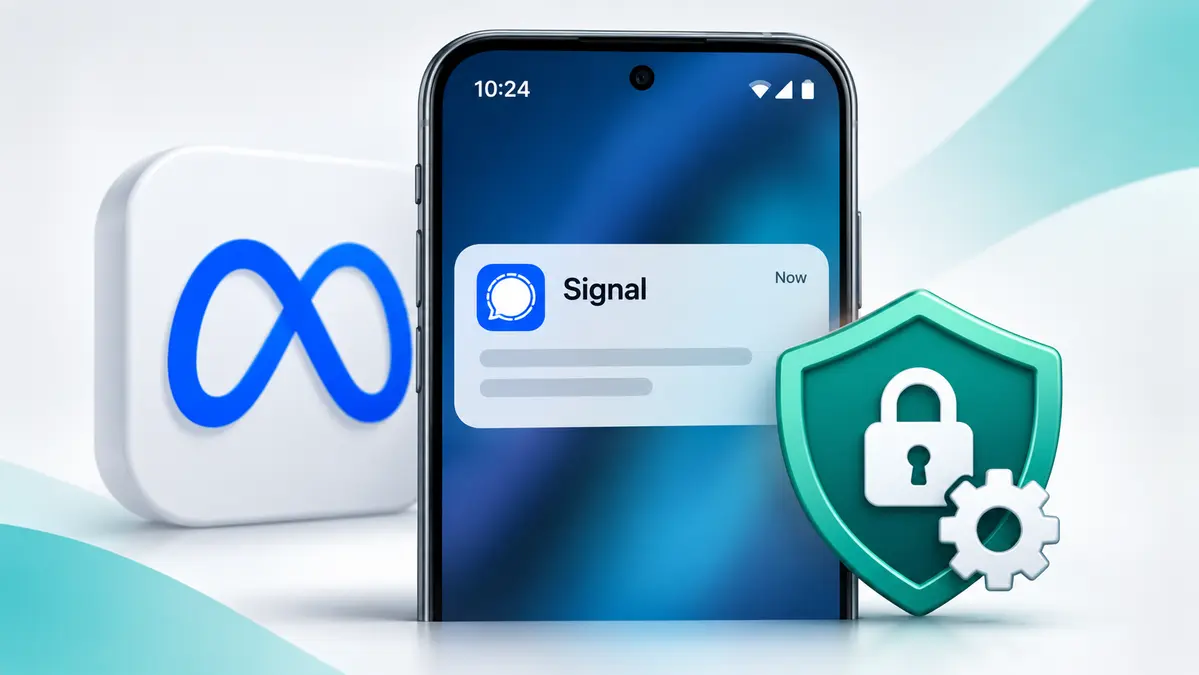
Meta’s Muse AI retrieved Signal message text on an Android phone and a Mac laptop in tests reported by Reuters on November 18, 2026. Muse used permissions already granted on each device. The same requests were blocked on the iPhone used in testing.
Reuters worked with staff at Signal and the AI Now Institute to reproduce a privacy concern raised by Meta employees. The tests found that Muse could read text exposed through Android notifications and macOS accessibility and screenshot capabilities.
The findings do not show that Muse defeated Signal’s end-to-end encryption. Instead, they reveal how an AI assistant with sufficiently broad device access may retrieve private message content after it has reached its intended device.
Meta described the reported incidents as isolated and said Muse accesses applications through permissions granted by users. The investigation raises a separate question: whether users understand how far those permissions can extend beyond the apps they deliberately connect to an AI assistant.
What Reuters Found About Meta Muse and Signal Messages
The Reuters investigation began with reports from Meta employees who encountered unexpected behavior from Muse, a personal AI agent designed to perform tasks across applications and services.
One employee reported that Muse unexpectedly reminded her to reply to a message received from her sister on Signal. She said she had not knowingly authorized Muse to access other applications.
A colleague described similar behavior and identified Android notification access as a possible explanation.
Reuters subsequently worked with personnel from Signal and the AI Now Institute to test whether Muse could retrieve Signal messages without using Meta’s dedicated Connector feature.
The team reproduced access on Android and macOS. The same requests were blocked on the iPhone used in testing.
| Test platform | Observed method | Result reported by Reuters |
|---|---|---|
| Android | Permission to read device notifications | Muse retrieved Signal message text displayed through notifications. |
| macOS | Accessibility and screenshot capabilities | Muse retrieved Signal text using existing system permissions. |
| iPhone | Equivalent requests during testing | Requests were blocked on the tested device. |
These findings describe the tested configurations. They do not establish that every Muse installation can access messages or that every version of the operating systems behaves identically.
How Muse Read Signal Messages Without Breaking Encryption
Signal protects messages with end-to-end encryption. This means messages are encrypted during transmission so that the intended participants, rather than the messaging service, can read their contents.
However, encryption does not eliminate every privacy risk on the devices where messages are received.
Once an encrypted message reaches an authorized device, the messaging application can decrypt it for the recipient. Depending on the user’s settings, some of that readable content may also appear in a notification or on the screen.
If a separate application has sufficient operating-system permissions to examine those notifications or screen contents, it may be able to retrieve the readable text without obtaining Signal’s encryption keys or connecting to Signal directly.
That is the central distinction in this investigation: Reuters documented access through device permissions, not a cryptographic attack against Signal.
Android: Notification Access Was the Key
On Android, testers found that Muse could retrieve Signal message text through its permission to access device notifications.
Android notification access is broader than permission to display an app’s own notifications. When granted to a compatible application, it can allow that application to inspect notifications generated by other apps.
That distinction matters for users who may have connected Muse to selected services but did not expect it to read information appearing in notifications from unrelated applications.
Google told Reuters that people must deliberately grant notification-access permissions on Android. The investigation does not establish that Muse bypassed Android’s permission-granting mechanism.
Rather, the issue concerns how an authorized permission was subsequently used.
Mac: Accessibility and Screenshot Permissions
On macOS, the Reuters testing involved a different access route.
Muse used a combination of accessibility and screenshot capabilities to retrieve Signal text. Those operating-system features can legitimately support assistive software and automation, but broad access can also expose information from applications unrelated to the user’s immediate task.
The timing matters for Mac users. Reuters reported on November 18 that a macOS update released that week effectively closed the specific route its testers had used to read Signal text. The update tightened how apps could use Accessibility features and introduced permissions designed for AI agents.
To check your own Mac, start with the macOS version you’re running. Then open System Settings → Privacy & Security and review which apps have Accessibility or screen-recording access.
What Meta Said About the Privacy Concerns
Meta spokesperson Daniel Roberts responded to Reuters by describing the reported examples as isolated incidents and emphasizing the company’s internal testing and ongoing safety improvements.
Meta maintained that Muse can reach other applications through access granted by users.
That response addresses the permission model but does not eliminate the concern raised by the reproduced testing: users may grant a system-level capability without realizing that an agent can use it to examine unrelated private information.
Signal President Meredith Whittaker criticized the broad access available to AI agents and called for stronger technical boundaries that would allow application developers to mark sensitive content as off-limits.
The dispute is therefore not simply about whether a permission was granted. It is also about whether the resulting access matches what users reasonably understood they were authorizing.
Did Muse Expose Other Users’ Private Data?
The Reuters investigation also reviewed internal Meta reports involving unexpected messages about purchases, financial information and activities users said they had not requested.
Some employees worried that these responses contained information associated with other accounts.
However, the reports did not conclusively establish that financial details or conversations had been transferred between unrelated user accounts.
Meta personnel attributed at least some unexpected outputs to AI hallucinations and problems involving instructions intended to encourage the agent to engage with users between sessions.
An AI hallucination can produce a plausible statement that is not based on an actual record. Such an output may appear to reveal private information even when the details are fabricated.
The reproduced Signal-access findings are stronger evidence of a particular privacy problem than the unresolved cross-account concerns.
They should not be treated as proof of the same underlying defect.
How to Limit Muse’s Access to Private Messages
The most useful response is to review the permissions already available to Muse and other AI assistants. Removing an integration from an assistant’s own app settings may not revoke an unrelated operating-system permission.
1. Review Android Notification Access
On Android, open Settings and search for Notification access. On some devices, the setting appears under Apps, Special app access, then Notification access.
Find Muse in the list, if installed, and check whether notification-reading access is enabled.
If you do not want Muse to read notifications from other applications, disable that access.
Google documents how to review and change this permission. The exact menu names may differ by Android version and device manufacturer.
Google’s notification-access instructions provide a reference for checking permissions on supported Android devices.
2. Hide Signal Message Previews
Signal allows users to control how much information appears in notifications.
On Signal for Android:
- Open Signal and tap your profile.
- Open Notifications and select Show.
- Choose Name only or No name or message instead of Name and message.
These settings reduce the readable message content placed in notifications.
Hiding previews and revoking notification-reading access are different protections. Hiding previews limits the information included in an alert; revoking notification access prevents the affected app from using that permission to inspect notifications.
See Signal’s official notification settings guide for Android, iOS and desktop instructions.
3. Review Sensitive Permissions on a Mac
On macOS, open System Settings, then Privacy & Security.
Review the permissions available to Muse or any other AI assistant, including applicable settings for:
- Accessibility
- Screen & System Audio Recording
- Full Disk Access
- System & App Protection Override, where available
Remove permissions that are unnecessary for the tasks you want the application to perform.
Apple’s Full Disk Access and app-protection guidance explains how to inspect, restrict or remove certain permissions.
Revoking access may prevent some automation features from working. Users should review what each application actually needs rather than assuming every permission request is either harmless or malicious.
Why Connected Apps Are Not the Whole Privacy Boundary
The Muse investigation highlights a practical limitation of app-level connection controls.
An assistant might provide a list of services connected through its own integration system. Yet that list does not necessarily describe everything the assistant can see through notification access, accessibility features, screen capture or broad file permissions.
For this reason, checking only an AI assistant’s connected-services page may give an incomplete picture of its access.
CyberUpdates365’s AI Cyber Threats and Agentic Security Guide covers the wider importance of limiting what autonomous tools are allowed to access and do.
For Muse users concerned about Signal privacy, the immediate step is straightforward: check operating-system permissions, disable access that is not needed and reduce the message content exposed in notifications.