Before acting on an “emergency iOS update” headline, identify the Apple release and the vulnerability it addresses. A useful alert should name the affected software, release date and source. This guide explains how to check those details and update your device.
Correction — October 10, 2026: The earlier version claimed a verified August 2026 iMessage zero-click campaign without identifying a supporting advisory, CVE or fixed version. We could not substantiate that specific account from the sources reviewed. We removed the claimed BlastDoor bypass, US targeting, root access and CISA emergency instruction. This page is now an update-verification guide, not confirmation of that incident.
Start with the actual Apple advisory
Apple’s security releases index links each release to its supported devices and security notes. For example, iOS 26.6.1 and iPadOS 26.6.1 were released on August 17, 2026. That bulletin lists multiple security fixes; it does not substantiate the specific iMessage campaign previously described here. This is a historical example, not a recommendation to install that older release today.
For any new alert, record four items: the affected product, the CVE where available, the fixed release and the disclosure date. Check whether exploitation is explicitly reported or only described as technically possible. Do not infer that every iPhone model, iPad or Mac is affected simply because the products share some components.
Check and install the available update
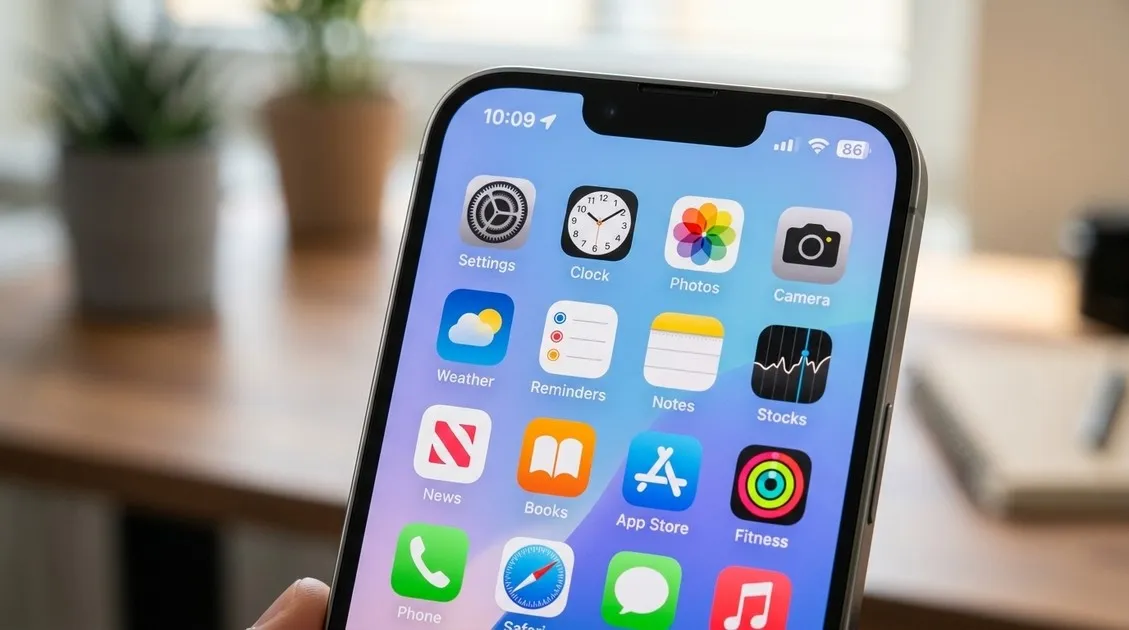
Follow Apple’s update instructions: back up the device, connect it to power and Wi-Fi, then open Settings > General > Software Update. Review the installed version and the update offered for your device, then follow the installation prompts. Automatic-update controls are available in the same settings area.
After installation, reopen Software Update and record the installed version. For a work-managed device, ask the administrator about an unavailable or deferred update rather than changing management settings. If installation fails, keep the exact error message and follow Apple’s troubleshooting link instead of downloading a supposed patch from an advertisement or unsolicited message.
Where Lockdown Mode fits
Apple describes Lockdown Mode as optional protection for people who may face unusually sophisticated targeted attacks. It limits some features and is not needed by most users. Review those tradeoffs if your risk warrants it; it is not a replacement for software updates.
Avoid false reassurance
A completed update is evidence of the installed software version, not a forensic finding that a device was never compromised. Likewise, battery drain or warmth alone cannot establish spyware infection. If a credible threat notification or specific incident evidence exists, retain it and seek qualified assistance rather than relying on a symptom checklist or a daily reboot as proof of safety.
Use related coverage for the right purpose
Our Chrome security update coverage concerns a separate product; it does not establish an identical iPhone exploit. The BridgePay and Palm Bay ransomware coverage is also a separate incident, not evidence about this Apple advisory.
For broader context, use our data-breach evidence and response guide, enterprise CVE security hub and device security audit. Keep the actual vendor advisory alongside any internal checklist so that your update decision remains traceable.