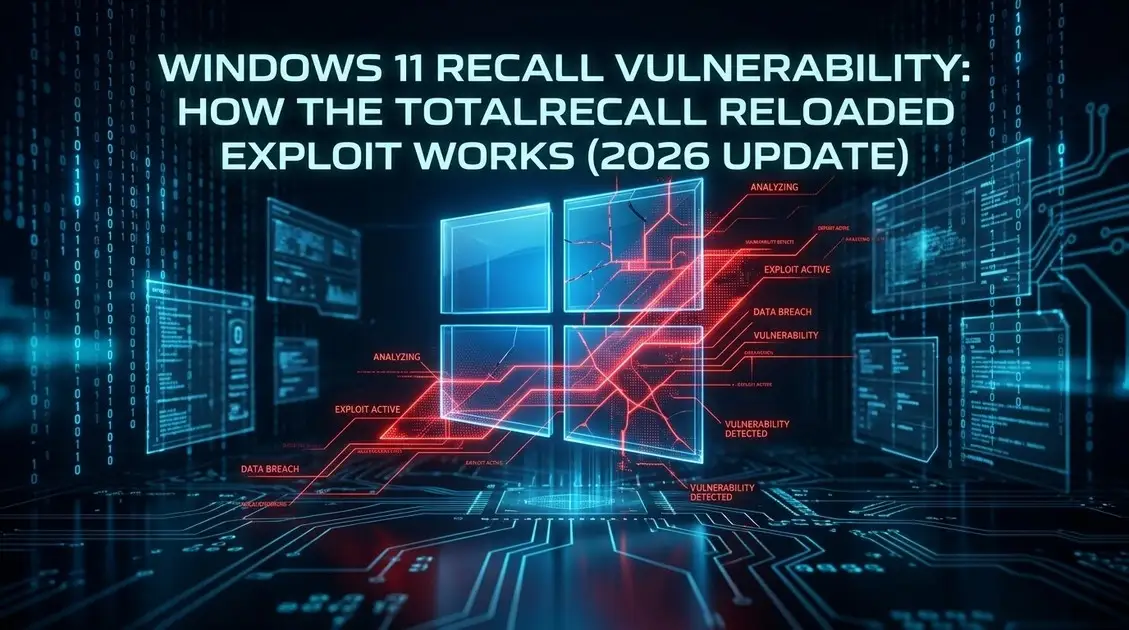
Is Windows Recall safe to use in 2026? That question is back on the table. A new Windows 11 Recall vulnerability, demonstrated through a proof-of-concept tool called TotalRecall Reloaded, has reignited the debate over whether Microsoft’s AI-powered “photographic memory” feature can ever be fully secured — even after a year of redesigns.
Recall works by taking snapshots of your active screen every few seconds on Copilot+ PCs, running them through on-device OCR, and letting you search your entire activity history in plain language. It’s a genuinely useful idea — but this latest Windows Recall security flaw shows why a tool this powerful keeps drawing scrutiny from the security community.
This comes not long after the Apple emergency iOS zero-click update made headlines — a reminder that no platform, however locked-down, is immune to researchers finding gaps in “secure by design” AI features.
Who Found the Windows 11 Recall Vulnerability?
Zurich-based cybersecurity researcher Alexander Hagenah built TotalRecall Reloaded, a proof-of-concept tool, and responsibly disclosed it to Microsoft’s Security Response Center before publishing technical details on GitHub. This isn’t Hagenah’s first run-in with Recall — he flagged similar issues with the original version back in 2024, which contributed to Microsoft delaying the feature’s public launch by nearly a year.
How the TotalRecall Reloaded Exploit Actually Works
Recall’s stored data is genuinely encrypted at rest, with keys protected by a Trusted Platform Module tied to Windows Hello Enhanced Sign-in Security — that part of the architecture holds up. The weak point is downstream: once you authenticate with Windows Hello, decrypted snapshot data flows through a background process called AIXHost.exe as live COM objects, and that process has no Protected Process Light status, no AppContainer sandboxing, and no code integrity enforcement.
That means any ordinary process already running as the logged-in user can inject code into AIXHost.exe and quietly extract screenshots, OCR text, and metadata — no admin rights, no kernel exploit, no cryptographic bypass required. It’s not a remote attack: malware has to already be present on the machine, riding along right after you’ve authenticated normally.
Microsoft’s Response: “Working As Intended”
Here’s where this Microsoft Recall data breach story gets contentious. Microsoft reviewed Hagenah’s findings and officially classified the issue as not a vulnerability. The company’s security leadership stated that the access patterns demonstrated are consistent with intended protections and existing controls, pointing to built-in timeout periods and anti-hammering safeguards as sufficient.
Hagenah disagrees, arguing the real issue is how decrypted data is handled after authentication — summing it up as the storage vault being solid while the delivery mechanism isn’t. It’s a genuine, unresolved disagreement between researcher and vendor, and readers deserve both sides rather than a settled verdict either way.
What This Means for Enterprises and Everyday Users
On managed commercial and education devices, Recall is removed and disabled by default — IT admins must explicitly opt their organization in via policy. Your work laptop almost certainly doesn’t have Recall running unless your IT team turned it on deliberately.
For individual users on Copilot+ PCs who’ve opted in, real-world risk depends heavily on whether infostealer malware ever reaches your device in the first place. This exploit doesn’t create a new way in for attackers — but if they’re already in, it hands them a much richer target once you’ve unlocked your PC.
How to Disable Windows Recall (Step-by-Step)
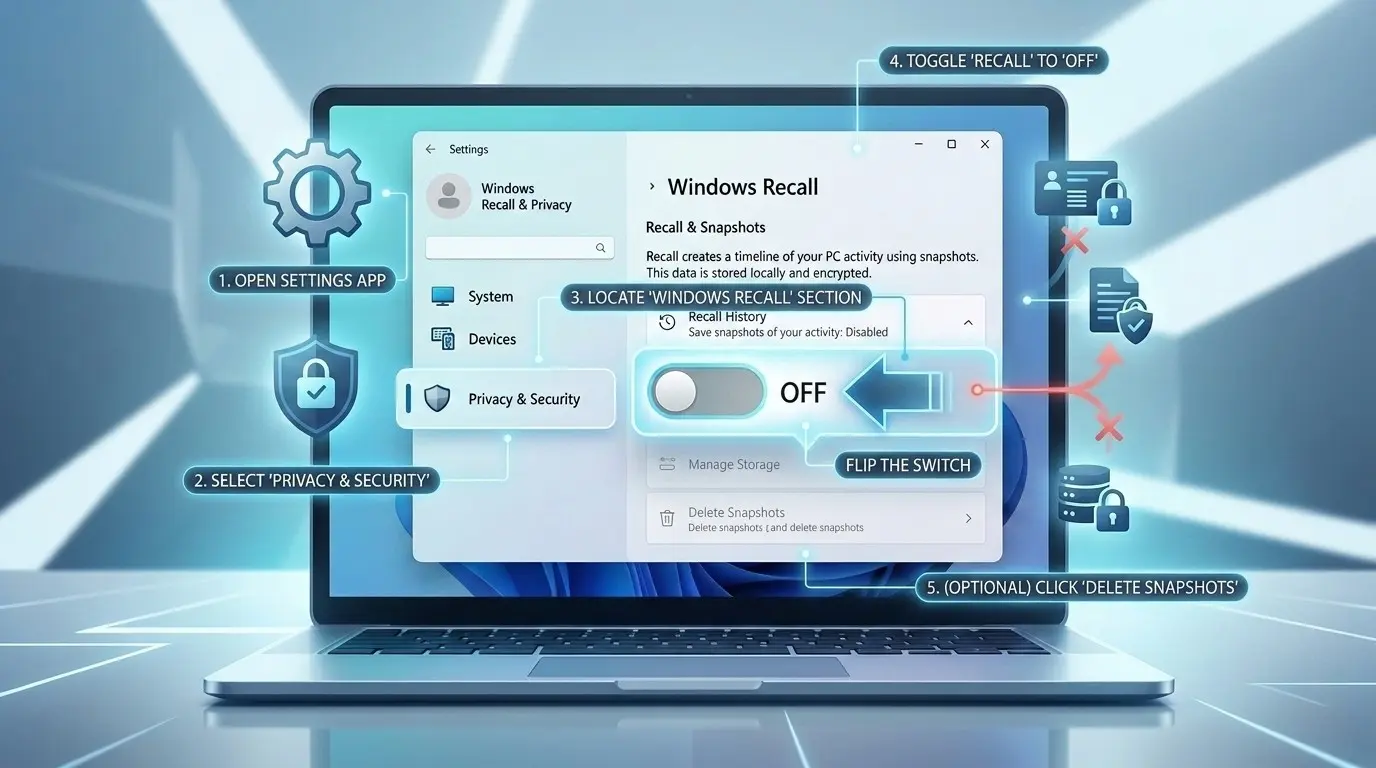
- Open Settings (Windows key + I) and go to Privacy & Security → Recall & snapshots.
- Toggle Save snapshots to Off if you don’t actively use the feature.
- Under Advanced settings, select Reset Recall to permanently delete all previously stored snapshots.
- If you keep Recall on, make sure Sensitive information filtering stays enabled (it’s on by default) and manually add sensitive apps/sites to the filter list.
- IT admins: confirm the Allow Recall policy stays disabled via Group Policy or Intune unless there’s a clear business need.
- Most importantly: keep endpoint protection and Windows Update current — since this exploit needs local malware to work, blocking that malware in the first place is your strongest defense.
For full official guidance, see Microsoft’s Privacy and control over your Recall experience page, and their enterprise management guide for IT admins.
Related guide: For broader context and related coverage, see our device security audit guide.
Frequently Asked Questions
Is Windows Recall safe to use in 2026?
It’s safer than the original 2024 version, with real encryption and Windows Hello authentication. But the TotalRecall Reloaded research shows the post-authentication data pipeline still has gaps, so risk isn’t zero — especially if your device already has malware on it.
Is the Windows 11 Recall vulnerability being actively exploited by hackers right now?
There’s no confirmed evidence of in-the-wild attacks using this specific technique. It was demonstrated as a responsibly-disclosed proof-of-concept, not an active malware campaign.
Does the TotalRecall Reloaded exploit work remotely?
No. It requires malware to already be running locally on the device as the logged-in user, after Windows Hello authentication has already occurred.
Is my Recall database unencrypted?
No. Snapshots and the search index are encrypted at rest with keys protected by a TPM. The AIXHost.exe exploit targets decrypted data as it flows through a specific process after login, not the stored database itself.
How do I disable Windows Recall completely?
Go to Settings → Privacy & Security → Recall & snapshots, turn off “Save snapshots,” then use “Reset Recall” under Advanced settings to delete all stored data. IT admins can disable it fleet-wide via Group Policy.
Reported by CyberUpdates365 Desk
Delivering the latest insights on enterprise security, federal AI directives, and the future of IT infrastructure. Follow us for daily updates on how technology is reshaping the corporate landscape.