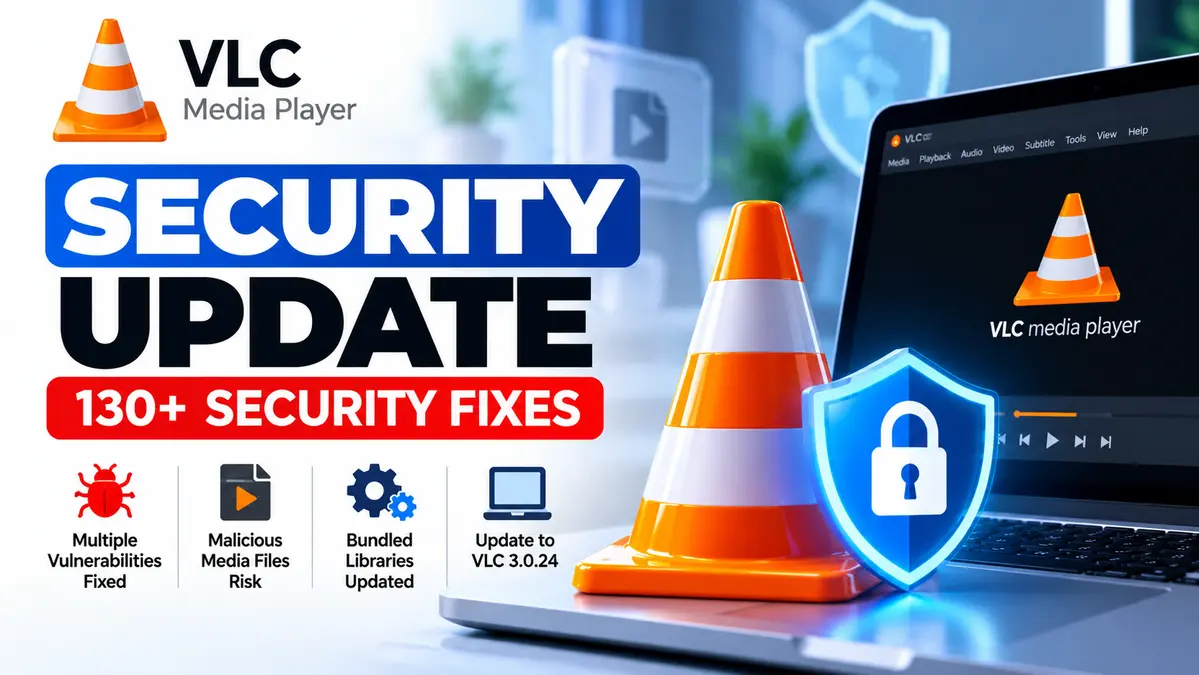
The VLC Media Player security update 3.0.24 fixes more than 130 security issues across VLC and its bundled libraries, including memory-corruption vulnerabilities that can be triggered by malicious media files or streams.
Released by VideoLAN on September 22, 2026, the update addresses flaws affecting VLC 3.0.23 and earlier. Some issues could cause application crashes or expose memory, while code execution has been demonstrated on macOS under specific conditions.
What should users do? Check their VLC version, install 3.0.24 or a later security-maintained release, and avoid opening untrusted media files until updated.
For broader vulnerability alerts, explore our CVE and Vulnerability Security Hub.
VLC 3.0.24 Security Update: Key Findings
- Release date: September 22, 2026.
- Affected versions: VLC 3.0.23 and earlier.
- Fixed version: VLC 3.0.24.
- Security fixes: More than 50 issues in VLC itself, plus fixes for at least 74 publicly documented vulnerabilities in bundled libraries.
- Potential impact: Application crashes, memory disclosure, and code execution under specific conditions.
- Notable CVEs: CVE-2026-56711 and CVE-2026-73324.
How Can Malicious Media Files Exploit VLC?
VLC supports numerous video, audio, subtitle, and streaming formats. Processing these formats requires complex code that handles file metadata, memory allocation, and network responses.
VideoLAN’s security bulletin describes vulnerabilities involving heap buffer overflows, integer overflows, out-of-bounds memory access, and other parsing problems.
For example, a specially crafted media file could trigger memory corruption while VLC processes picture data or metadata. Another weakness could expose process memory when VLC interacts with an attacker-controlled streaming source.
These issues may be reached when users open malicious content or when VLC processes playlists and metadata. Some network-related vulnerabilities require specific features to be enabled.
Important: Running an older VLC version does not mean a computer has already been compromised. Successful exploitation depends on the vulnerability, input, affected platform, and user interaction.
Two Important VLC Vulnerabilities Explained
| Vulnerability | Security Risk |
|---|---|
| CVE-2026-56711 | Memory corruption involving image allocation that can cause crashes and potentially code execution under affected conditions. |
| CVE-2026-73324 | Memory disclosure when processing content from an attacker-controlled network source. |
Both vulnerabilities were addressed in VLC 3.0.24. The security risk is particularly relevant when users open files or streams from untrusted sources.
Which VLC Versions Are Affected?
| VLC Version | Status |
|---|---|
| 3.0.23 and earlier | Affected by issues fixed in 3.0.24 |
| 3.0.24 | Contains the published security fixes |
VideoLAN also updated bundled components, including FFmpeg, GnuTLS, libxml2, and libpng. These dependency updates are important because vulnerabilities in included libraries can affect the security of the application using them.
How to Update VLC Media Player Safely
Updating VLC is the most effective response to the published vulnerabilities.
- Check your version: Open VLC and select Help > About on Windows, or the equivalent About option on your platform.
- Download the update: Use the official VideoLAN website or your operating system’s trusted software repository.
- Install VLC 3.0.24: Follow the installation instructions and restart the application.
- Verify: Confirm the installed version includes the security fixes.
Download the Latest VLC Media Player — Official VideoLAN Website
Linux users should follow distribution-specific update guidance, because package maintainers may backport security fixes without using exactly the same version number.
What If You Cannot Update Immediately?
VideoLAN recommends avoiding media files and network streams from untrusted sources until a patched version can be installed.
That includes unexpected video attachments, unfamiliar playlist files, and streaming URLs received through suspicious messages.
IT administrators should also identify outdated VLC installations on managed systems and distribute the update through approved software-management tools.
Downloading applications from trusted sources matters too. Our related report explains how fake 7-Zip installers were used to distribute malware.
CyberUpdates365 Analysis
VLC’s security update is a reminder that media players deserve the same patching attention as browsers, operating systems, and document readers.
A video file may appear harmless, but opening it can cause a media player to process complex metadata, subtitles, codecs, and network responses.
For home users, updating VLC and avoiding suspicious downloads significantly reduces unnecessary exposure.
For organizations, the priority should be keeping third-party desktop applications in their software inventory and patch-management process.
Bottom line: VLC 3.0.24 addresses a substantial collection of security vulnerabilities. Users running older releases should update rather than rely on avoiding suspicious content alone.