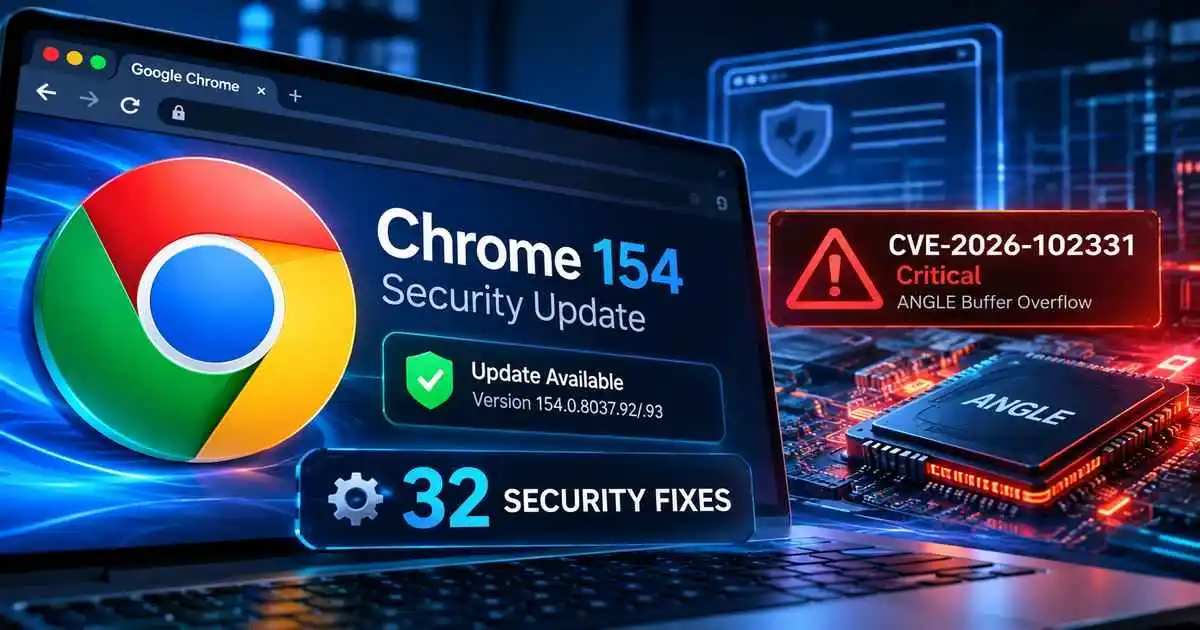
Google has released a new Chrome 154 security update that fixes 32 security vulnerabilities, including a critical buffer-overflow flaw in the ANGLE graphics component tracked as CVE-2026-102331.
The Google Chrome Stable Channel update moves Windows and macOS installations to version 154.0.8037.92/.93 and Linux to 154.0.8037.92. Google says the update is rolling out over the coming days and weeks.
This is a follow-up security release for Chrome 154 rather than the browser’s initial stable launch. Chrome 154 entered the stable channel on September 22 with a much larger set of security fixes, and Google has now issued another patch set addressing newly resolved vulnerabilities across browser components including ANGLE, Mojo, Omnibox, V8 and Bluetooth.
CVE-2026-102331 Is the Most Serious Flaw in the Update
The most serious vulnerability addressed in the update is CVE-2026-102331, which Google classifies as Critical and describes as a buffer overflow in ANGLE.
ANGLE is a graphics abstraction layer used by Chromium-based browsers to translate graphics APIs for underlying platforms. Memory-safety flaws in a component operating around browser graphics processing can therefore carry significant security consequences.
The published CVE record currently describes Chrome versions before 154.0.8037.92 as affected and states that a remote attacker could potentially use a crafted HTML page to trigger arbitrary code execution outside the browser sandbox in the affected Android context. Google also lists the vulnerability among the fixes delivered with the desktop Chrome update.
The underlying Chromium issue is tracked as Chromium issue 551673541. As is common during an active browser-update rollout, Google may restrict access to detailed bug information until a large portion of users have received the fix.
Chrome Update Also Fixes Multiple High-Severity Vulnerabilities
The critical ANGLE issue is not the only reason to install the update. Several High-severity vulnerabilities affect components that sit close to important browser trust boundaries, including inter-process communication, JavaScript execution and browser user-interface integrity.
| Vulnerability | Severity | Component | Issue |
|---|---|---|---|
| CVE-2026-102331 | Critical | ANGLE | Buffer overflow |
| CVE-2026-102317 | High | Mojo | Improper privilege management |
| CVE-2026-102312 | High | Omnibox | UI misrepresentation |
| CVE-2026-102313 | High | ANGLE | Uninitialized resource |
| CVE-2026-102299 | High | V8 | Type confusion |
| CVE-2026-102306 | High | Bluetooth | Use after free |
| CVE-2026-102321 | High | V8 | Type confusion |
CVE-2026-102317 affects Chrome’s Mojo IPC framework. The vulnerability involves improper privilege management and, on affected Windows systems, could potentially allow a local attacker to execute code outside the sandbox through a local program.
CVE-2026-102312 affects the Omnibox, Chrome’s combined address and search bar. The flaw can cause UI misrepresentation and potentially allow a malicious page to spoof address-bar information, weakening one of the visual signals users rely on when deciding whether a page is trustworthy.
Two additional vulnerabilities, CVE-2026-102299 and CVE-2026-102321, are type-confusion flaws in V8, Chrome’s JavaScript and WebAssembly engine. Memory-corruption bugs in V8 remain important patching targets because hostile web content is processed directly by the engine.
Patched Chrome Versions
| Platform | Patched Stable Version |
|---|---|
| Windows | 154.0.8037.92/.93 |
| macOS | 154.0.8037.92/.93 |
| Linux | 154.0.8037.92 |
Because Chrome updates are deployed progressively, not every system receives a new build at exactly the same moment. Users and administrators should therefore check the installed version rather than assuming that an automatic update has already completed.
How to Update Google Chrome
- Open Chrome and select the three-dot menu.
- Go to Help > About Google Chrome.
- Allow Chrome to check for and install the available update.
- Relaunch the browser when prompted so the new binaries are loaded.
- Verify that the browser is running version 154.0.8037.92/.93 or a later stable build appropriate for the operating system.
Google documents the normal Chrome update process in its official Chrome update guidance. Enterprise administrators should also confirm that managed endpoints have actually restarted after receiving the update, since downloading an update without relaunching the browser can leave the older running version in memory.
No Active Exploitation Disclosed for These New Fixes
At the time of publication, Google’s release information does not identify CVE-2026-102331 or the other vulnerabilities in this patch set as being actively exploited in the wild. That distinction matters: a Critical severity rating describes potential technical impact, but it does not by itself mean attackers are already exploiting the flaw.
This differs from some earlier Chrome security incidents where Google explicitly acknowledged exploitation. CyberUpdates365 previously covered Chrome CVE-2026-5281, where exploit status was part of the security story.
Even without confirmed exploitation, browser vulnerabilities deserve prompt attention because browsers continuously process untrusted web content and often hold authenticated sessions, credentials and access to business applications.
Organizations tracking browser vulnerabilities can also follow our 2026 CVE and enterprise vulnerability hub for related security advisories and patch guidance.