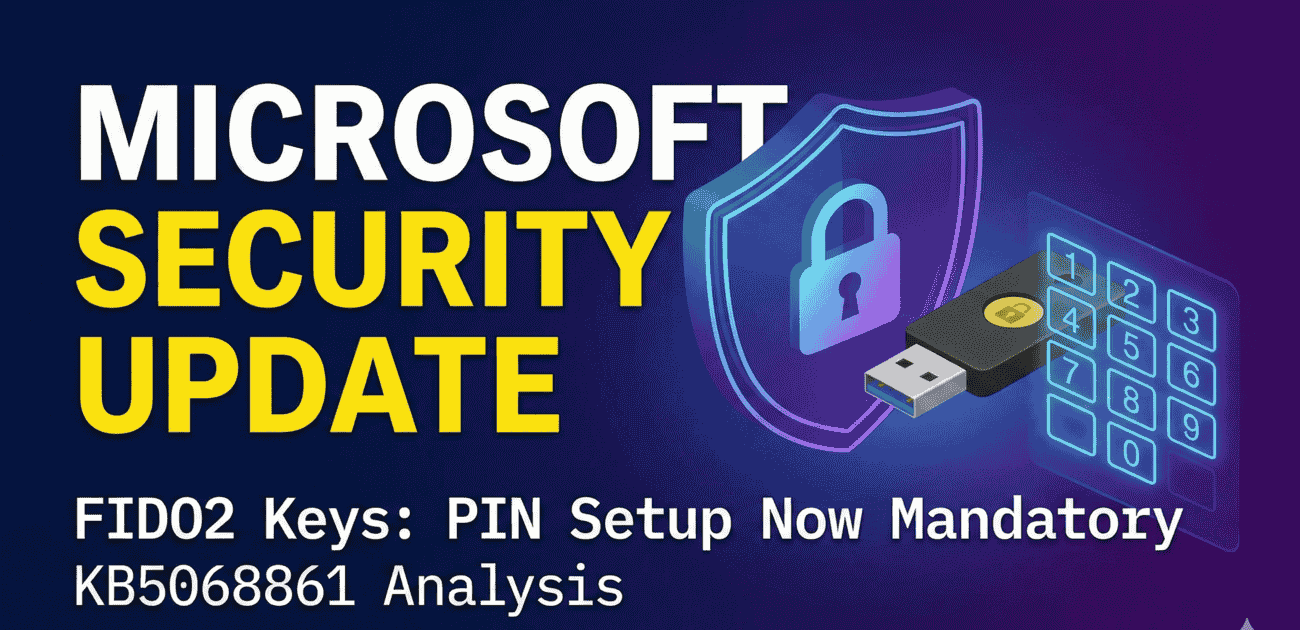
Enterprise identity defense is undergoing a fundamental policy transition as the latest FIDO2 security key PIN update takes effect across corporate cloud environments. Rolled out through critical Windows operating system updates, Microsoft Entra ID FIDO2 integrations now mandate strict User Verification (UV) protocols, requiring users to configure and enter a hardware PIN during authentication.
According to federal security directives from the Cybersecurity and Infrastructure Security Agency (CISA), enforcing multi-factor hardware verification is mandatory to prevent credential theft. To understand how cryptographic keys integrate into comprehensive zero-trust architectures, explore our authoritative Zero Trust Architecture Definitive Guide 2026.
Understanding the FIDO2 Security Key PIN Update and Mandatory User Verification
Previously, configuring a PIN on hardware security keys (such as YubiKeys or Feitian tokens) was optional or dependent on specific client application flags. In many commercial setups, users simply inserted their physical key and tapped the capacitive gold sensor to complete authentication.
Under the new enforcement rules, Microsoft has restructured how the WebAuthn user verification workflow operates. When an Identity Provider (IdP) configures user verification as “Preferred,” Windows and Entra ID automatically treat that preference as mandatory if the hardware key possesses PIN capabilities. If a security key is capable of storing a PIN but does not have one registered, the operating system interrupts the login sequence and forces immediate PIN registration.
Technical Breakdown: Affected Windows Operating System Builds
The mandatory KB5068861 FIDO2 PIN enforcement policy was deployed across enterprise environments through cumulative monthly security rollouts. IT administrators managing corporate device fleets must audit their current patch baselines to anticipate helpdesk inquiries.
The table below summarizes the specific Windows cumulative update packages and corresponding operating system builds enforcing this authentication change:
| Update Identifier | Deployment Date | Windows OS Builds Impacted | Authentication Flow Impact |
|---|---|---|---|
| KB5065789 | September 29, 2025 | Windows 11 24H2 (Builds 26200.6725, 26100.6725) | Initial preview of forced user verification prompts |
| KB5068861 | November 11, 2025 | Windows 11 24H2 (Builds 26200.7171, 26100.7171) | Mandatory enterprise enforcement across Entra ID tenants |
| WebAuthn Level 3 | Active Rolling Release | Enterprise & Education Editions | Dynamic UV enforcement during live sign-in handshakes |
Why Microsoft Is Eliminating Single-Touch FIDO2 Authentication
While physical security keys provide near-total immunity against adversary-in-the-middle phishing attacks, single-touch usage introduces a critical physical vulnerability: token theft. If an employee loses their YubiKey in a public workspace or an attacker physically steals the key, the unauthorized possessor could access corporate portals with a simple tap.
By transforming the security key into true two-factor authentication—requiring something the user has (the physical hardware token) combined with something the user knows (the secret PIN)—Microsoft effectively neutralizes key-theft attack vectors. Furthermore, because FIDO2 PINs are stored locally inside the cryptographic hardware chip and never transmitted across the network, they cannot be intercepted via online data breaches.
Action Plan for Enterprise IT and Helpdesk Operations
To avoid a sudden influx of support tickets when employees encounter unexpected PIN prompts, security leaders should execute this structured transition plan:
- Audit Tenant Authentication Methods: Review Entra ID Conditional Access policies and FIDO2 key configurations to identify user cohorts currently authenticating without registered hardware PINs.
- Distribute Proactive User Communications: Issue an internal advisory explaining that the prompt to create a PIN is an intentional Microsoft security enhancement rather than a hardware malfunction or phishing attempt.
- Educate Users on PIN Characteristics: Remind employees that a FIDO2 PIN is local to the specific physical key. If a user utilizes multiple security keys, each token requires its own distinct PIN configuration.
- Establish Hardware Reset Procedures: Ensure support teams have documented workflows for assisting users who trigger hardware PIN lockouts after three consecutive failed attempts.
Passwordless Authentication Security vs. Legacy Multi-Factor Methods
Deploying robust passwordless authentication security remains the single most effective defense against modern cybercrime syndicates. Legacy multi-factor methods—such as SMS verification codes, phone calls, and push notifications—frequently succumb to SIM swapping, SS7 interception, and MFA fatigue tactics.
Cryptographic FIDO2 hardware tokens bind authentication sessions to the specific origin URL of the corporate portal. By coupling origin binding with mandatory PIN verification, enterprise organizations achieve a resilient security posture that complies with international standards, including NIST SP 800-63B Authentication Assurance Level 3 (AAL3).
Frequently Asked Questions About the FIDO2 Security Key PIN Update
Does setting up a PIN on a FIDO2 key weaken passwordless security?
No. A FIDO2 PIN is not a traditional account password. The PIN is processed entirely inside the tamper-resistant hardware microcontroller of the security key. It simply unlocks the cryptographic private key stored on the chip and is never transmitted over the internet or stored on corporate servers.
What happens if an employee forgets their security key PIN?
Because the PIN is stored securely inside the token’s physical chip, there is no remote password reset mechanism. If a user forgets their PIN or exceeds the maximum allowed attempts, the security key must be physically reset to factory defaults, erasing stored credentials, and re-registered in Entra ID.
Can administrators disable the mandatory PIN prompt in Entra ID?
Organizations can configure User Verification policies within Entra ID, but setting UV to “Discouraged” introduces severe security vulnerabilities and violates zero-trust compliance standards. Microsoft strongly recommends maintaining the mandatory PIN requirement across all enterprise accounts.
Strategic Conclusion: Raising the Security Baseline in 2026
The FIDO2 security key PIN update represents a necessary maturation in enterprise identity governance. While enforcing mandatory PIN configuration introduces minor user friction during initial setup, it eliminates physical token vulnerability and enforces genuine two-factor verification.
By proactively auditing hardware key inventories, educating workforce users, and embracing modern WebAuthn specifications, organizations can safeguard corporate assets against both remote credential harvesting and physical token theft.