If your software engineering or DevSecOps teams rely on automated continuous integration (CI/CD) pipelines to build NodeJS software, freeze your dependency deployment scripts immediately. Security threat analysts from Microsoft Security Intelligence and Socket Security have uncovered a devastating new npm supply chain attack that turns trusted software dependencies into automated credential execution pipelines.
Here is the hard operational reality: an employee does not need to visit a compromised website or open a phishing PDF to infect your corporate cloud environment. Because open-source package registries execute automatic install scripts during local developer builds, a poisoned dependency silently breaches laptops, production servers, and automated pipelines the exact second a team member types npm install.
Known across defensive engineering channels as the Mini Shai-Hulud campaign, this self-spreading malware operation originated through the compromise of the trusted maintainer account behind the globally dominant Keyv library. Throughout this executive DevSecOps advisory, we analyze the wormlike token execution chain, break down the compromised package matrix, and deliver immediate mitigation workflows to safeguard your build environment.
Why Did the Keyv Library Compromise Trigger a Chain Reaction?
The campaign achieved devastating reach because attackers targeted the core maintainer infrastructure behind Keyv, a foundational key-value storage dependency generating tens of millions of weekly downloads across global enterprise repositories. Once adversaries gained administrative publishing access to the authentic developer account, they deployed altered software releases formatted to resemble ordinary routine bug patches.
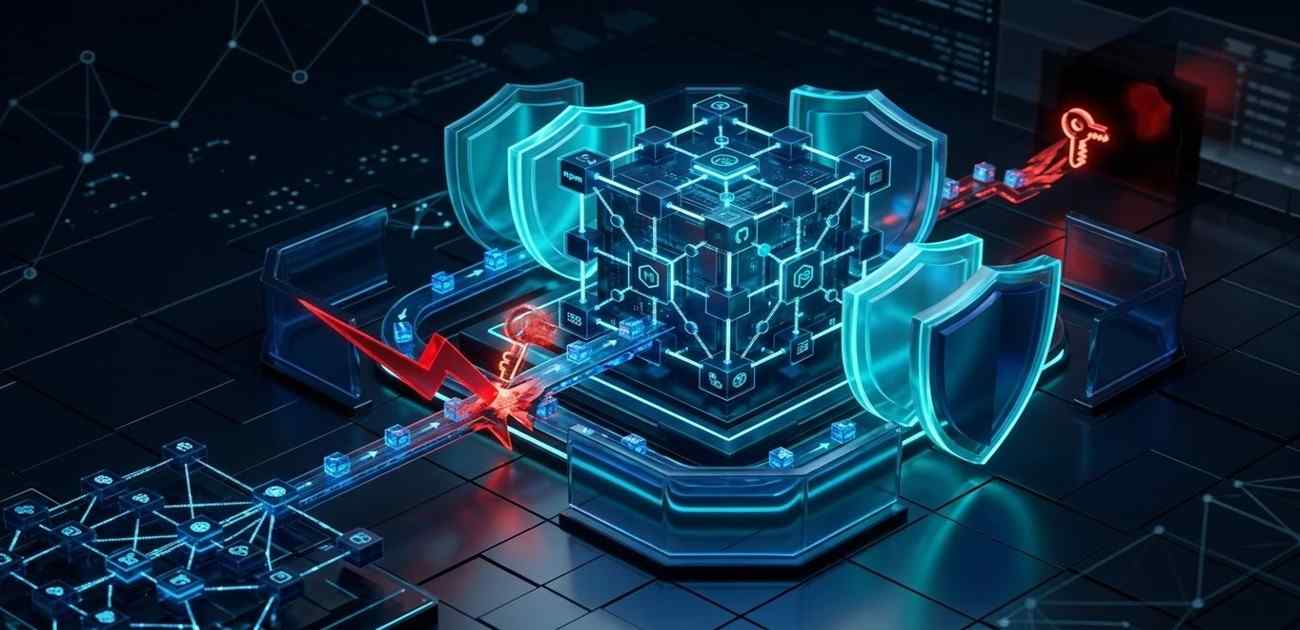
Unlike simplistic one-off dependency poisoning attacks, the Mini Shai-Hulud malware is engineered for worm-like self-propagation across developer social networks. Let’s examine the step-by-step automated infection sequence:
- Preinstall Execution: When a developer or automated cloud pipeline pulls a compromised package version (such as
keyv@6.0.0), a malicious preinstall hook inside thepackage.jsonmanifest executes an obfuscated script labeledsetup.mjsbefore the legitimate library function ever initializes. - Secret Skimming & Harvest: The embedded payload immediately launches credential-stealing scripts (
Math_Symbol.jsandMath_Init.js) to comb local environment variables, workspace configurations, and operating system keychains for programmatic access secrets. - Automated Self-Propagation: The malware specifically hunts for active npm publishing tokens, GitHub deployment keys, and cloud infrastructure secrets (AWS, Azure, Railway). Once exfiltrated to adversary servers, these stolen tokens are automatically weaponized to hijack the victim’s own maintained npm repositories.
- Exponential Package Multiplication: The malicious backend script automatically downloads the victim’s legitimate code archives, injects the Mini Shai-Hulud dropper, increments the semantic release version, and publishes the poisoned update back to the public npm registry without developer awareness.
This self-replicating loop explains why defensive monitoring engines recorded 2,234 compromised package artifacts across 444 unique software repositories within hours of initial detonation.
🚨 Update: Watching this npm worm propagate in real time, we’re now tracking 2,234 affected package artifacts across 444 unique packages, and it’s still spreading.
— Socket (@SocketSecurity) August 4, 2026
Average detection time: 5 min and 18 seconds after publication. Our campaign page includes all packages/versions. https://t.co/BQcxGtIQVV
To examine how localized developer environment attacks cascade into enterprise cloud sovereignty loss, review our foundational technical teardown of the 1-Click RCE and Workstation Hijacking Vulnerability Fix Guide.
To monitor enterprise open-source zero-days and software supply chain vulnerabilities, visit our 2026 Enterprise CVE & Vulnerabilities Security Hub.
What Are the Stolen Token & Cloud Infrastructure Risks?
Enterprise engineering leadership must recognize that an npm supply chain attack is not merely a localized coding glitch—it represents an immediate cloud identity breach. Because modern automation environments attach high-privilege IAM service roles to Continuous Integration (CI) test servers, a poisoned package executing on a build runner exposes entire enterprise ecosystems.
Once threat actors extract continuous integration secrets and cloud API access tokens from impacted hosts, they initiate lateral movement across internal corporate microservices. We have consistently observed stolen DevOps credentials utilized to spawn automated unauthorized AI compute instances and deploy sustained data harvesting daemons across connected server clusters.
For continuing analysis on how autonomous threat agents and unauthorized scripts persist within corporate code workspaces, inspect our comprehensive analysis of the AI AgentForger Workspace Vulnerability and Autonomous Threat Defense Guide.
Verified Indicators of Compromise (IoCs) Matrix – August 2026
To interrupt active Mini Shai-Hulud exploitation across your software development lifecycle (SDLC), DevSecOps engineers must feed these verified threat parameters into dependency scanning engines, Endpoint Detection and Response (EDR) platforms, and SIEM correlation buffers immediately:
| IoC Threat Type | Verified Indicator / Artifact | Technical Context & Impact Description |
|---|---|---|
| Compromised npm Package | keyv@6.0.0 | Confirmed malicious Keyv release triggering automated dropper preinstall hook |
| Compromised npm Package | file-entry-cache@11.1.6 | Poisoned caching utility actively stealing publishing credentials |
| Compromised npm Package | cache-manager@7.2.10 | Malicious version injection within global application cache controller |
| Compromised npm Package | cacheable-request@13.0.20 | Affected HTTP request wrapper utilized across downstream web builds |
| Compromised npm Package | qlik/api@2.14.2 | Targeted analytics API wrapper compromised during secondary propagation |
| Affected Package Scope | servicetitan/* (17+ packages) | Includes compromised eslint-config, anvil-themes, table, and log-service |
| Malicious Execution Files | setup.mjs | Math_Symbol.js | Math_Init.js | Obfuscated JavaScript loader and automated token-exfiltration payloads |
| EDR Detection Signature | Trojan:npm/MalBun.A | Official Microsoft Defender Threat Report detection confirmation |
For interactive developer threat discussions and automated script verification updates matching these exact IoCs, connect with our defensive software unit directly on our Official CyberUpdates365 GitHub Threat Repository and our authoritative Dev.to Developer Security Portal.
How Can Organizations Defend Against npm Package Poisoning?
Mitigating contemporary supply chain attacks requires treating open-source package registries as untrusted boundary zones. Organizations must never rely entirely on package popularity or developer familiar branding to validate third-party code.
To harden your build architecture against automated dependency hijacking, execute this mandatory DevSecOps remediation checklist immediately:
- Audit & Quarantine Impacted Versions: Treat any confirmed installation of
keyv@6.0.0,file-entry-cache@11.1.6, or related IoCs as an active compromise. Do not merely revert or update the package; immediately isolate the endpoint, kill running background Node processes, and scrub temporary build cache folders. - Enforce Mandatory Token & Key Rotation: Because the Mini Shai-Hulud engine exfiltrates secrets instantaneously upon installation, simply deleting the package does not revoke stolen access. Execute mandatory cryptographic rotation across all npm publishing tokens, GitHub/GitLab SSH keys, cloud IAM credentials, and CI/CD pipeline secrets present on impacted workstations.
- Lock Down npm Publishing Credentials: Transition all engineering publishing accounts to require mandatory Phishing-Resistant Multi-Factor Authentication (FIDO2 / WebAuthn). Replace long-lived personal access tokens with short-lived, granular Granular Access Tokens (GATs) restricted explicitly to specific repositories and narrow deployment timeframes.
- Pin Dependency Versions & Verify Integrity: Disable automated caret (
^) and tilde (~) version resolution inside yourpackage.jsonconfigurations. Enforce strict dependency lockfile verification (package-lock.json) utilizing cryptographic SHA-512 integrity verification hashes to ensure builds never fetch unverified upstream mutations. - Disable Automatic Install Scripts: Configure your corporate developer machines and CI/CD pipelines to block automatic preinstall scripts by running installations with the
--ignore-scriptsflag (npm install --ignore-scripts), effectively neutralizing arbitrary script execution during dependency fetch routines.
For standardized corporate DevSecOps compliance alignment, review verified threat response benchmarks directly on CISA.gov and secure software supply chain guidelines within NIST SP 800-204 D.
Frequently Asked Questions on the npm Supply Chain Attack
What is an npm supply chain attack and why is it dangerous?
An npm supply chain attack occurs when cybercriminals compromise a legitimate open-source software maintainer account and inject malicious code into a trusted dependency library. It is exceptionally dangerous because package tools automatically download and execute these updates during regular software development and automated cloud build processes, compromising entire servers without user intervention.
How did the Mini Shai-Hulud malware compromise the Keyv library?
Threat actors compromised the official npm account of the developer maintaining the Keyv repository. Using these legitimate publishing credentials, the attackers released version keyv@6.0.0 containing an automated preinstall execution hook that silently downloads credential-stealing JavaScript payloads (setup.mjs and Math_Symbol.js).
What should developers do if they accidentally installed keyv@6.0.0 or cache-manager@7.2.10?
If a malicious package version was executed on a system, developers must treat the host as actively compromised. Removing or upgrading the dependency is insufficient. Teams must immediately rotate all local npm publishing tokens, SSH deployment keys, cloud access secrets (AWS/Azure), and review repository audit logs for unauthorized publishing activity.
Why does the Mini Shai-Hulud campaign spread so rapidly across npm repositories?
The malware functions as an automated self-replicating worm. Upon infecting a developer’s workstation, it searches local configuration files for active npm publishing tokens. If it finds valid maintainer credentials, it sends them to the attacker’s command server, which automatically downloads the victim’s other software projects, injects the malware, and publishes new poisoned package versions.
How can engineering teams block malicious preinstall scripts during npm install?
Engineering teams can neutralize arbitrary post-install and pre-install command executions by passing the --ignore-scripts flag during installation commands (npm install --ignore-scripts), or by permanently enforcing script disabling inside the global project configuration via npm config set ignore-scripts true.
Institutional DevSecOps Audit & Verification: This software security advisory has been technically evaluated and verified by the CyberUpdates365 Threat Intelligence Unit in strict accordance with NIST & CISA Open Source Security frameworks. Technical IoC analysis is verified against official vendor diagnostic reports as of August 2026.